Skip to content

Guides / How to build

How to build an AI agent without coding

What an AI agent actually is, how to pick a job it can do well, and the five steps to build one that works with your own data and tools.

Build this in Something6 steps · ~15 min to first version · Updated October 12, 2026

An AI agent is a language model that can do things, not just talk: look something up, write to a database, send a message, book a meeting. The model decides which tool to use; you decide which tools it has and what it must never do.

That second half is where most agents succeed or fail. A good agent is less about clever prompting and more about a narrow job, the right data, and clear limits.

Pick a job, not a personality

Agents work best on jobs that are frequent, text-shaped, and have a clear right answer:

  • answering customer questions from your docs
  • triaging inbound leads or support tickets
  • turning meeting notes into tasks
  • answering the phone and booking appointments
  • pulling a weekly report from your tools

They work worst on one-off judgement calls with no ground truth. Start with one job you can describe in a sentence.

Three ways to build one

ApproachGood forThe catch
Code it yourself (SDKs, frameworks)Engineering teamsWeeks of work; you host and maintain it
Workflow tools (node graphs)Fixed, predictable sequencesBrittle when the input varies
Describe it in SomethingMost business agentsLess control over the model internals

The guides for specific agents

Once you've built a first agent, these guides go deeper on common ones: AI receptionist, chatbot for your website, customer support agent and lead triage.

Mistakes to avoid

  • One agent for five jobs. An agent asked to do support, sales and reporting does all three badly. Split it.
  • Connecting every tool "just in case". Each extra tool is one more wrong action it can take. Add tools when a real conversation needs them.
  • Testing only the happy path. Ask it the questions it should refuse. That's where agents go wrong in front of customers.

How to build it, step by step

  1. Step 1

    Write the job in one sentence

    "Answer customer questions from our docs and open a ticket when something's broken." If you can't write it in one sentence, split it into two agents.

    Step 1: Write the job in one sentence
    Fig 01 — Write the job in one sentence
  2. Step 2

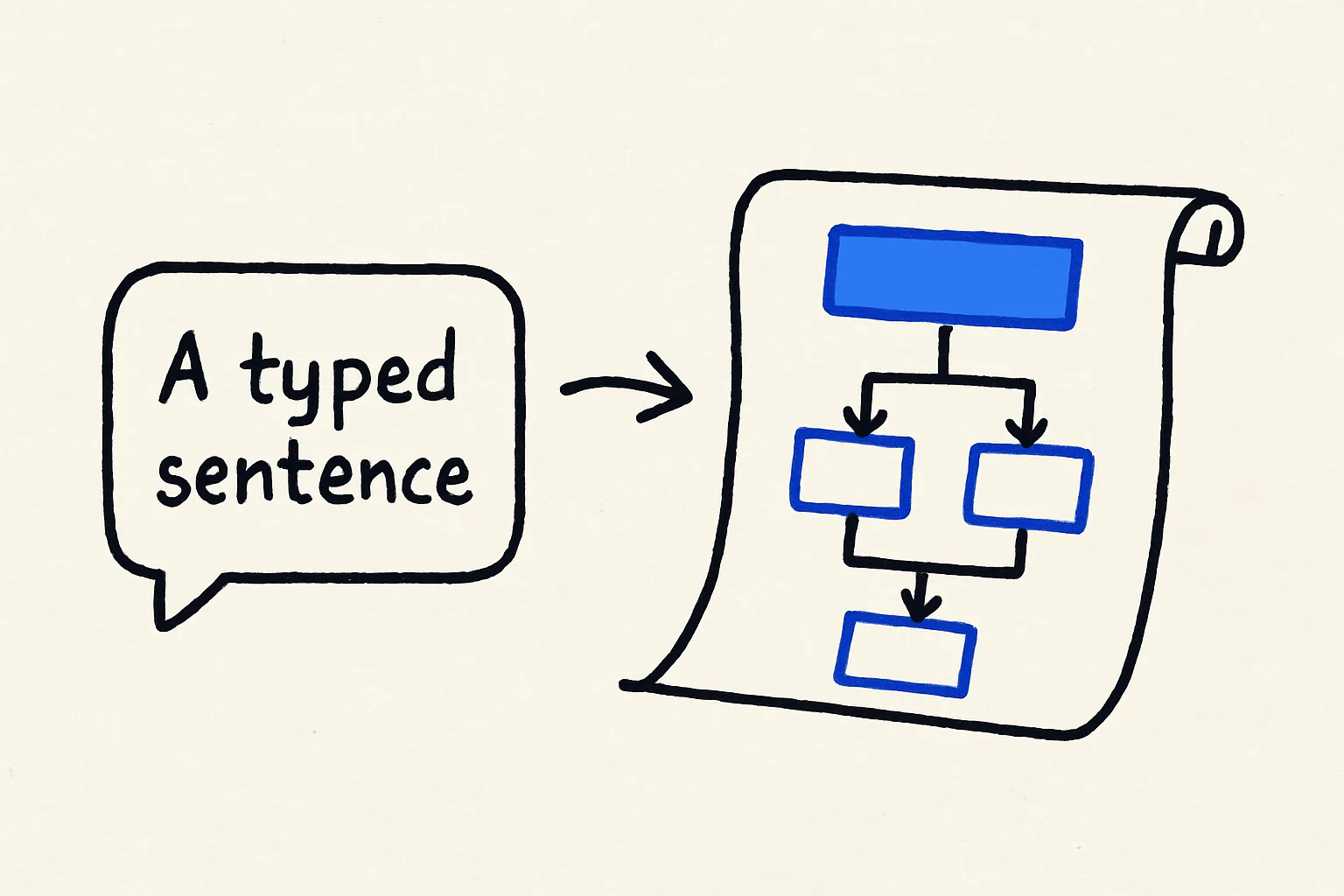
    Describe it in Something

    Type the job, the tools it needs and the limits into the builder. Something designs the agent: its instructions, the data it stores, and the screens you'll use to watch it.

    Step 2: Describe it in Something
    Fig 02 — Describe it in Something
  3. Step 3

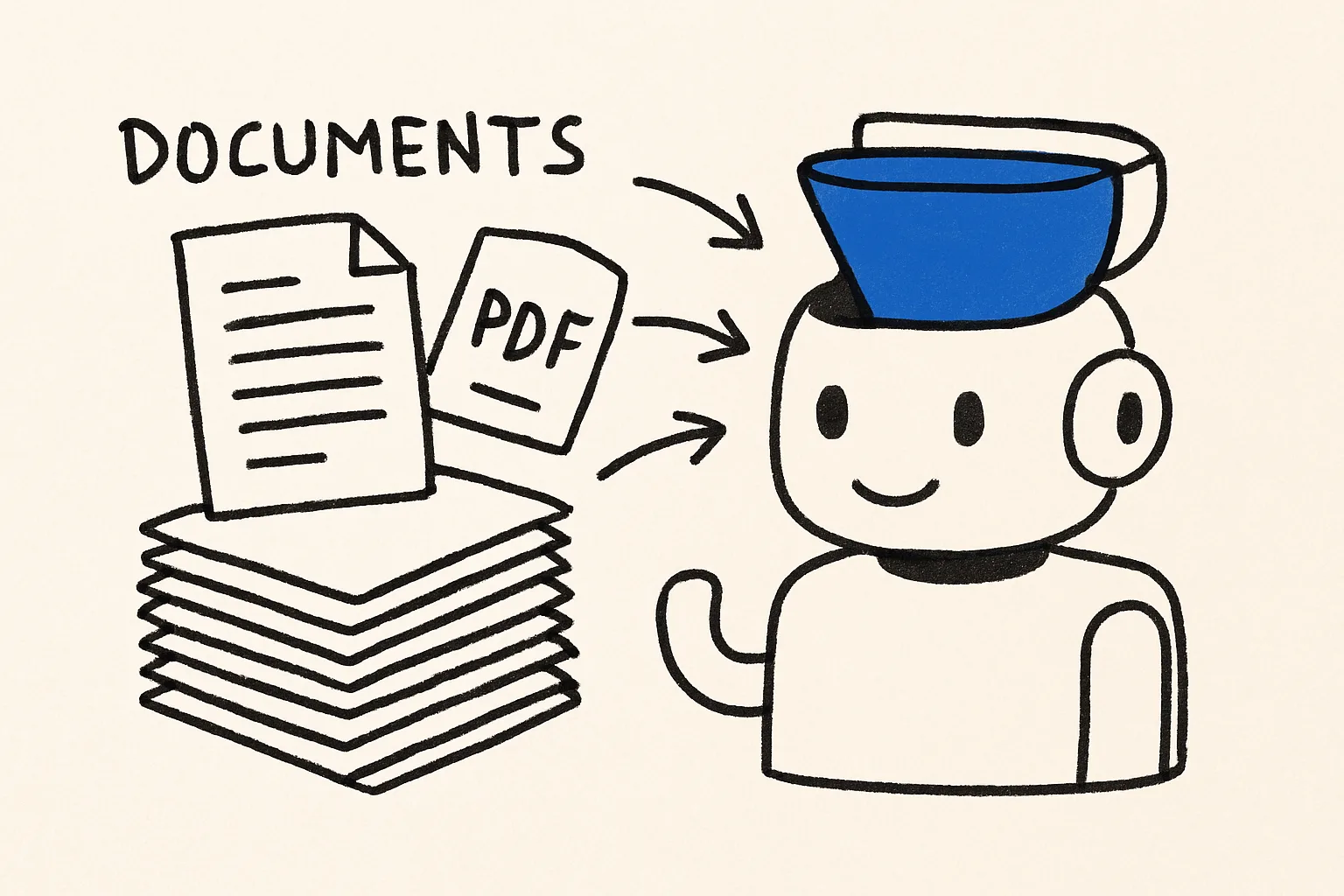
    Give it your knowledge

    Upload the documents it should answer from: help docs, policies, price lists. Answers grounded in your documents are the difference between a useful agent and a confident guesser.

    Step 3: Give it your knowledge
    Fig 03 — Give it your knowledge
  4. Step 4

    Connect the tools it acts with

    Connect only what the job needs: Slack, Gmail, Google Sheets, HubSpot, Linear, Stripe and so on. Each connection is a sign-in, not an API key hunt. Fewer tools means fewer ways to go wrong.

    Step 4: Connect the tools it acts with
    Fig 04 — Connect the tools it acts with
  5. Step 5

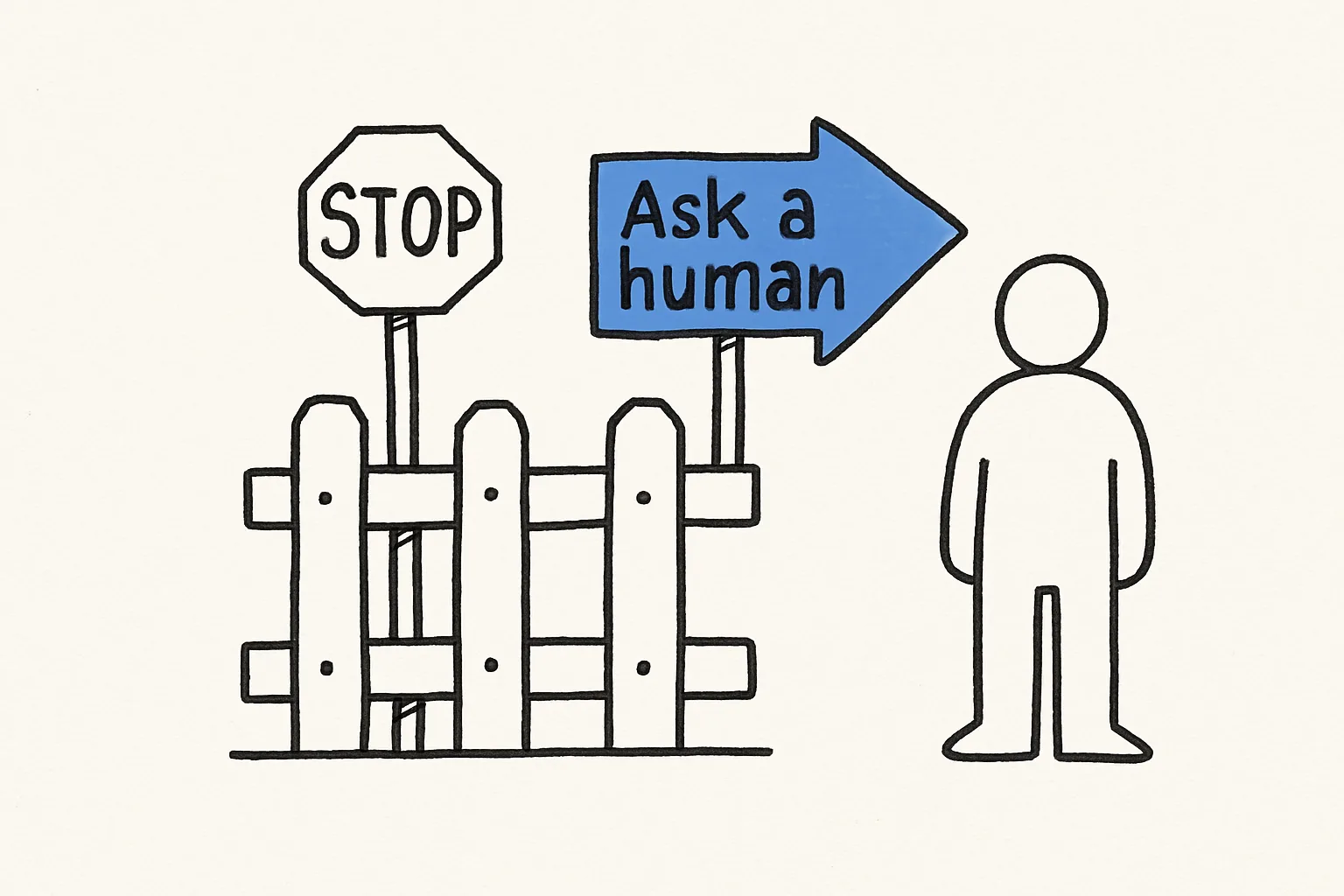
    Set the limits, then test the edges

    Say what it must never do and what to do instead ("never issue refunds; tell the customer a person will follow up"). Then test with the hardest inputs you can think of, not the easy ones.

    Step 5: Set the limits, then test the edges
    Fig 05 — Set the limits, then test the edges
  6. Step 6

    Publish and watch it

    Publish to a URL, embed it on your site, or give it a phone number. Read its conversations for the first week and tighten the instructions wherever it hesitates.

    Step 6: Publish and watch it
    Fig 06 — Publish and watch it

The prompt to start from

Paste this in, then make it yours

Build an AI agent for my team that answers questions about our product from our help docs, looks up a customer's account in our database when they give their email, and opens a ticket in Linear when it finds a bug. It should say when it isn't sure instead of guessing.

Common questions

What's the difference between a chatbot and an AI agent?

A chatbot answers. An agent answers and acts: it can look things up in your systems, update records, send messages or book meetings, within the limits you set.

Do I need to code to build an AI agent?

Not in Something. You describe the agent in plain English and connect tools by signing in. Developers can still export the code or call the agent from their own app.

How do I stop an agent from making things up?

Give it your documents as a knowledge base, tell it to say when it isn't sure, and test it with questions it shouldn't be able to answer. A clear fallback instruction is worth more than a long prompt.

How long does it take?

A first working version usually takes 10–20 minutes. Getting it reliable on real traffic takes about a week of reading its conversations and adjusting the instructions.

Can an agent answer phone calls?

Yes. Attach a phone number and the same agent answers by voice. See the AI receptionist guide.

More guides

Build it in the next ten minutes

Start with a sentence. Leave with a working app on its own URL.

How to Build an AI Agent Without Coding (2026 Guide) · Something