Skip to content

Guides / How to build

How to build an inventory management app

Items, locations, stock in and out, low-stock alerts to Slack, and an assistant you can ask "what do we need to reorder?"

Build this in Something5 steps · ~20 min to first version · Updated October 12, 2026

Most inventory starts in a spreadsheet, and the spreadsheet breaks the day two people update it at once or someone overwrites a formula. An inventory app fixes that by recording every movement instead of editing a number, so stock is always the sum of what actually happened.

What you're building

  • Items with SKU, category, cost, reorder level and supplier
  • Locations: shelves, rooms, sites
  • Stock movements: every in, out and transfer, with who and why
  • Current stock per item and location, calculated from the movements
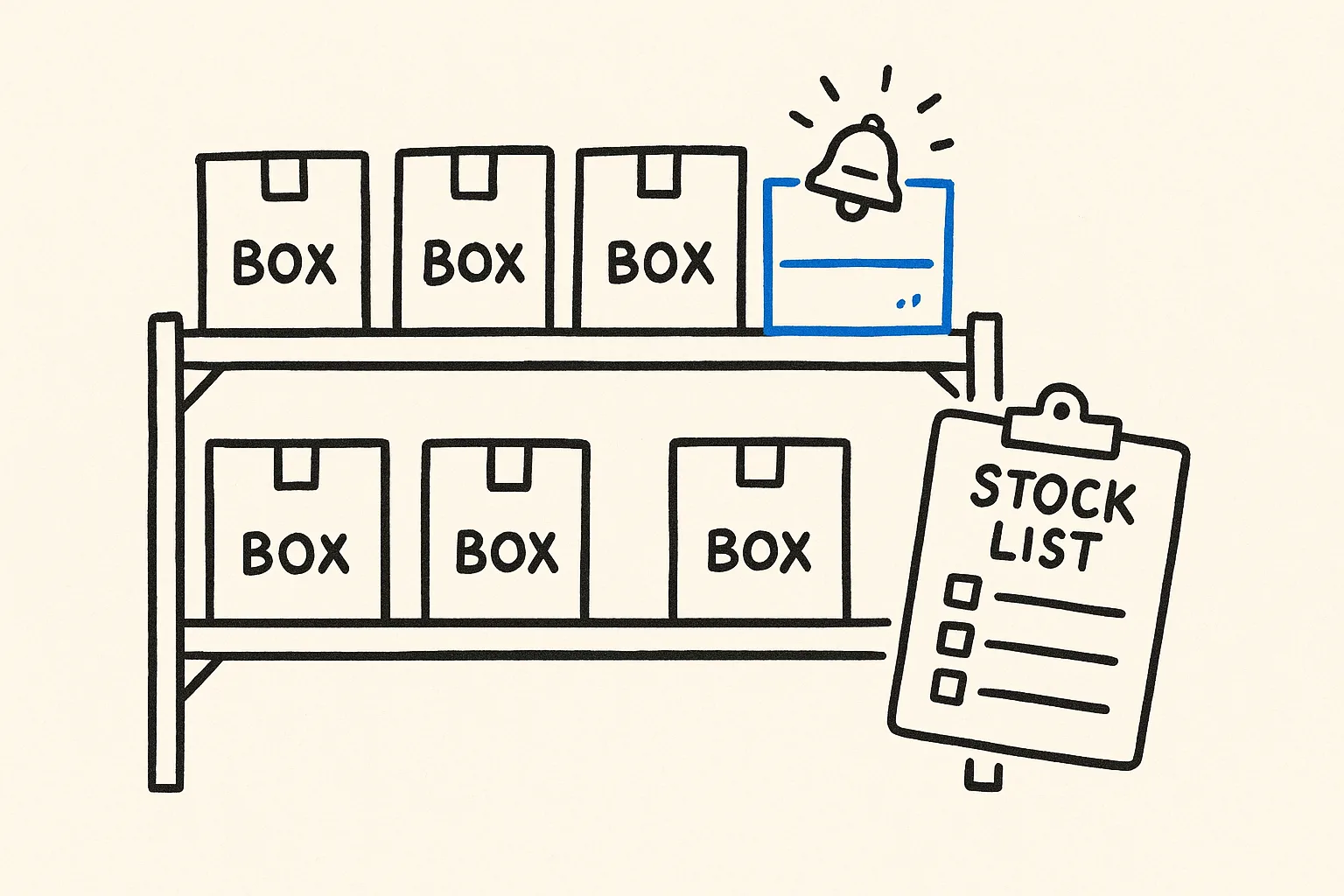
  • Low-stock alerts posted to Slack or email
  • An assistant that answers stock questions in plain English

Should you build one or buy one?

OptionGood forThe catch
SpreadsheetUnder ~50 items, one personNo history; overwrites; no alerts
Inventory SaaSStandard retail/warehousePer-user pricing; fields and workflow fixed
Build your own in SomethingYour own fields, locations and rulesYou describe the rules once

Moving off a spreadsheet

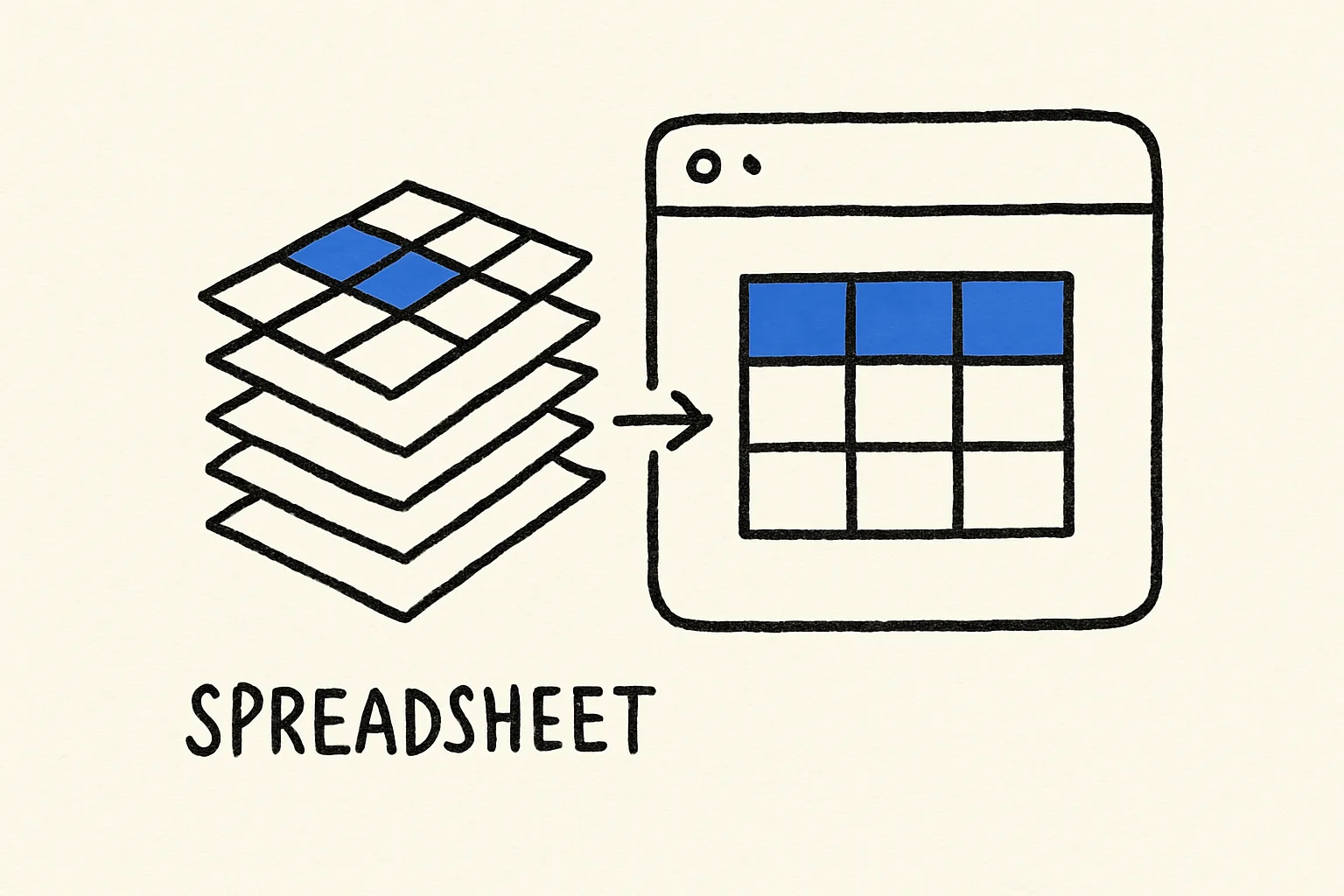
Export your current sheet as CSV and ask the builder to import it as the starting stock. Each row becomes an item plus one opening "stock in" movement, so your history starts clean.

Mistakes to avoid

  • Editing stock numbers directly. Record movements (in, out, transfer) and let stock be calculated. That's what makes the numbers trustworthy.
  • Alerts nobody reads. One daily summary beats twenty instant pings. Start with the summary and add instant alerts only for critical items.
  • Importing a messy sheet as-is. Clean duplicate SKUs and blank rows before the import; fixing them afterwards is slower.
How to build it, step by step

  1. Step 1

    Describe what you track

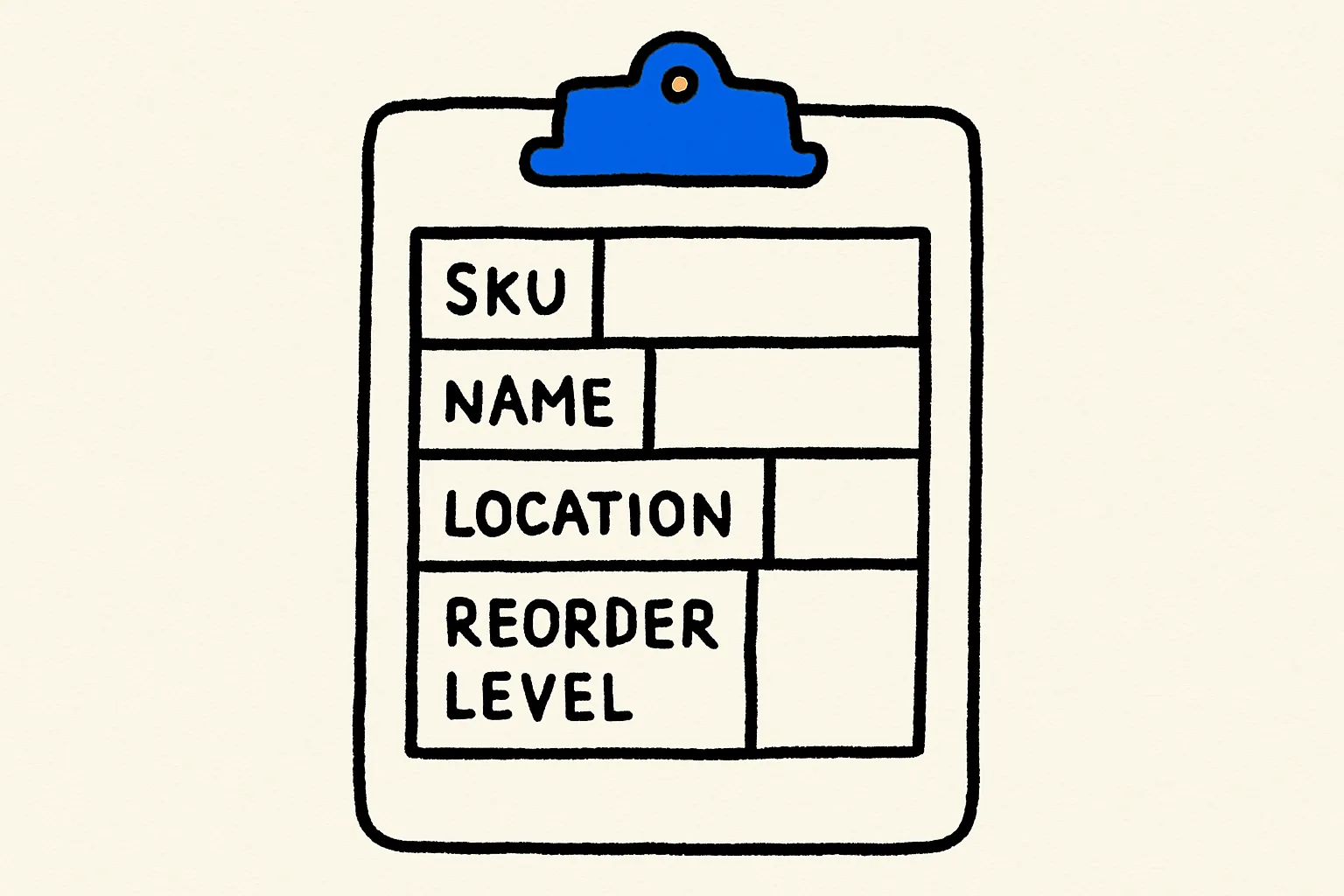
    List your item fields, your locations and the kinds of movement (received, sold, used, damaged, transferred). Paste it into the builder with the starter prompt.

    Step 1: Describe what you track
    Fig 01 — Describe what you track
  2. Step 2

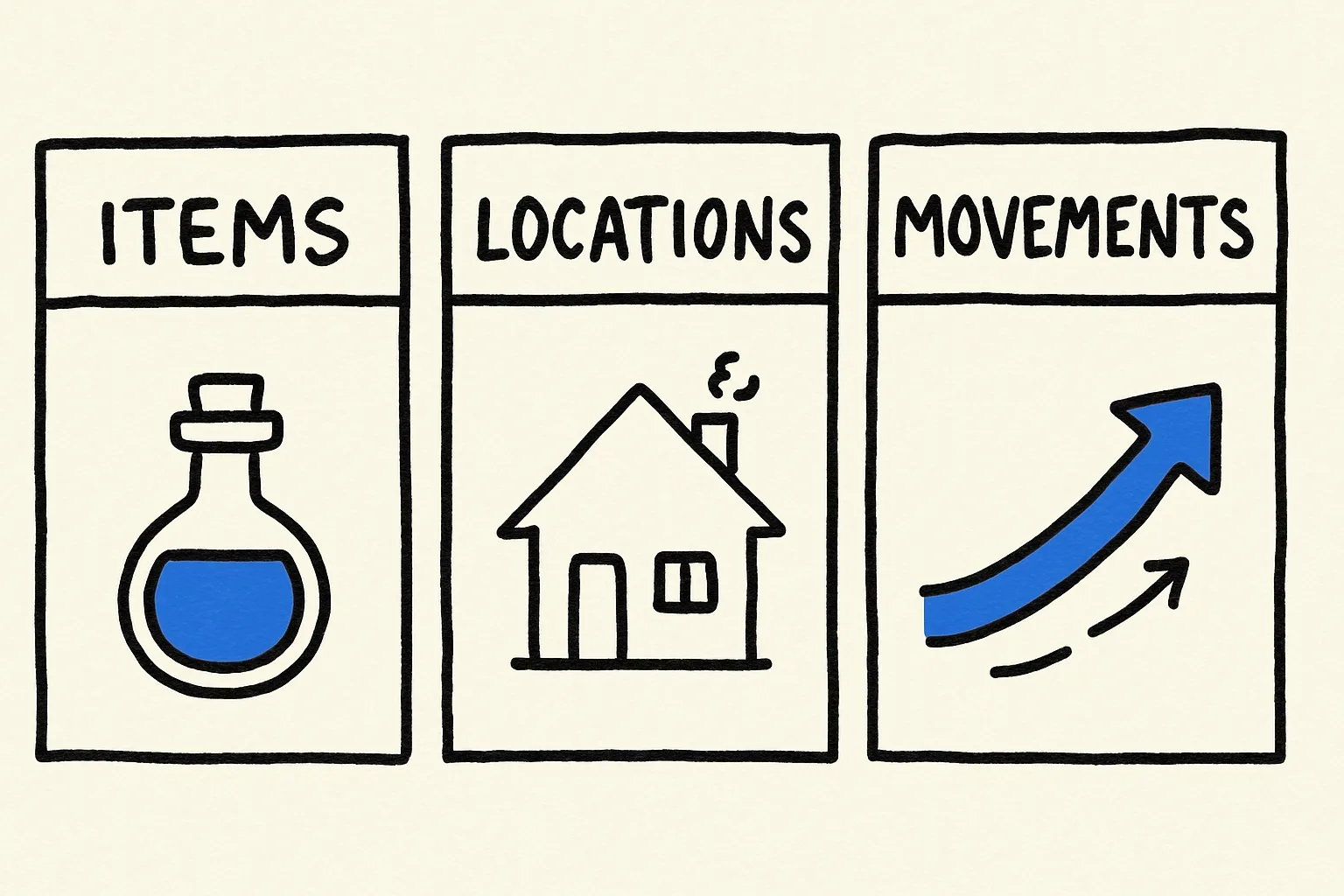
    Review the tables

    Something creates the items, locations and movements tables and the current-stock view. Check the reorder logic matches how you actually reorder.

    Step 2: Review the tables
    Fig 02 — Review the tables
  3. Step 3

    Import your existing stock

    Upload your spreadsheet as CSV or connect the Google Sheet directly, and ask the builder to import it as opening stock.

    Step 3: Import your existing stock
    Fig 03 — Import your existing stock
  4. Step 4

    Set up alerts

    Connect Slack or Gmail and say when to alert: a daily summary, or immediately when an item drops below its reorder level.

    Step 4: Set up alerts
    Fig 04 — Set up alerts
  5. Step 5

    Give your team access

    Publish and share the app with your team. Every movement records who made it, so you can trace any discrepancy.

    Step 5: Give your team access
    Fig 05 — Give your team access

The prompt to start from

Paste this in, then make it yours

Build an inventory management app for my small warehouse. Track items (SKU, name, category, unit cost, reorder level, supplier), locations (shelves and rooms), and every stock movement in or out with quantity, reason and who did it. Show current stock per item and location, flag anything below its reorder level, and post a daily low-stock summary to our #ops Slack channel. Add an assistant my team can ask things like 'how many blue mugs are in room B?' or 'what should we reorder this week?'.

Common questions

Can I import my existing inventory spreadsheet?

Yes. Upload it as CSV or connect Google Sheets, and ask the builder to import it as opening stock.

Does it support multiple locations?

Yes. Locations are their own table, so you can track stock per shelf, room or site and transfer between them.

Can it scan barcodes?

Phone-camera scanning depends on the browser. Most teams start by typing or searching SKUs, which works everywhere. Describe barcode scanning in your prompt if you need it, and test it on the devices your team uses.

Can I ask it questions about stock?

Yes. The assistant reads your inventory data, so questions like "what's below reorder level?" are answered from live numbers.

Do I need to code?

No. You describe your items, locations and rules, and the builder creates the database and screens.

More guides

Build it in the next ten minutes

Start with a sentence. Leave with a working app on its own URL.

How to Build an Inventory Management App (No Code) · Something