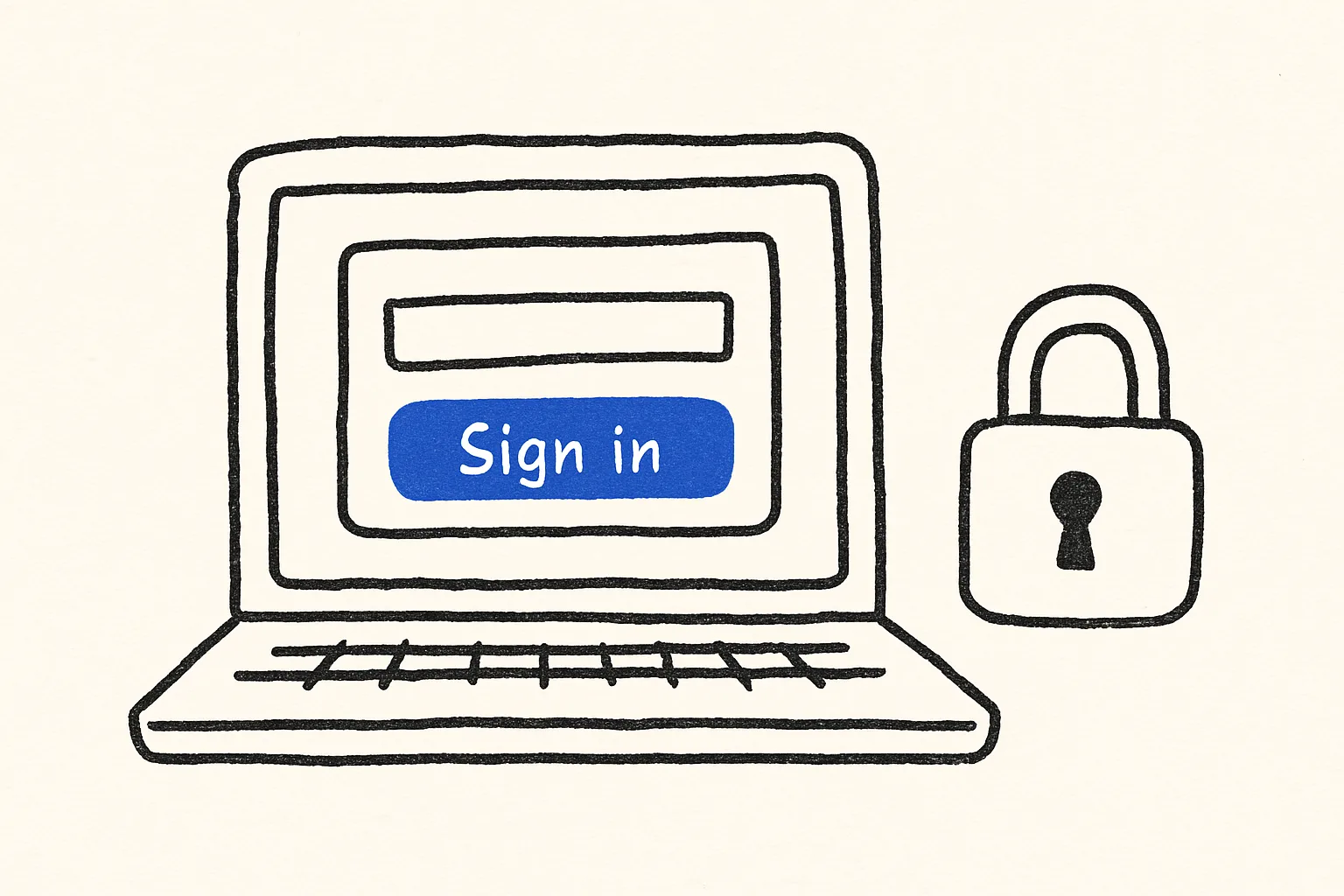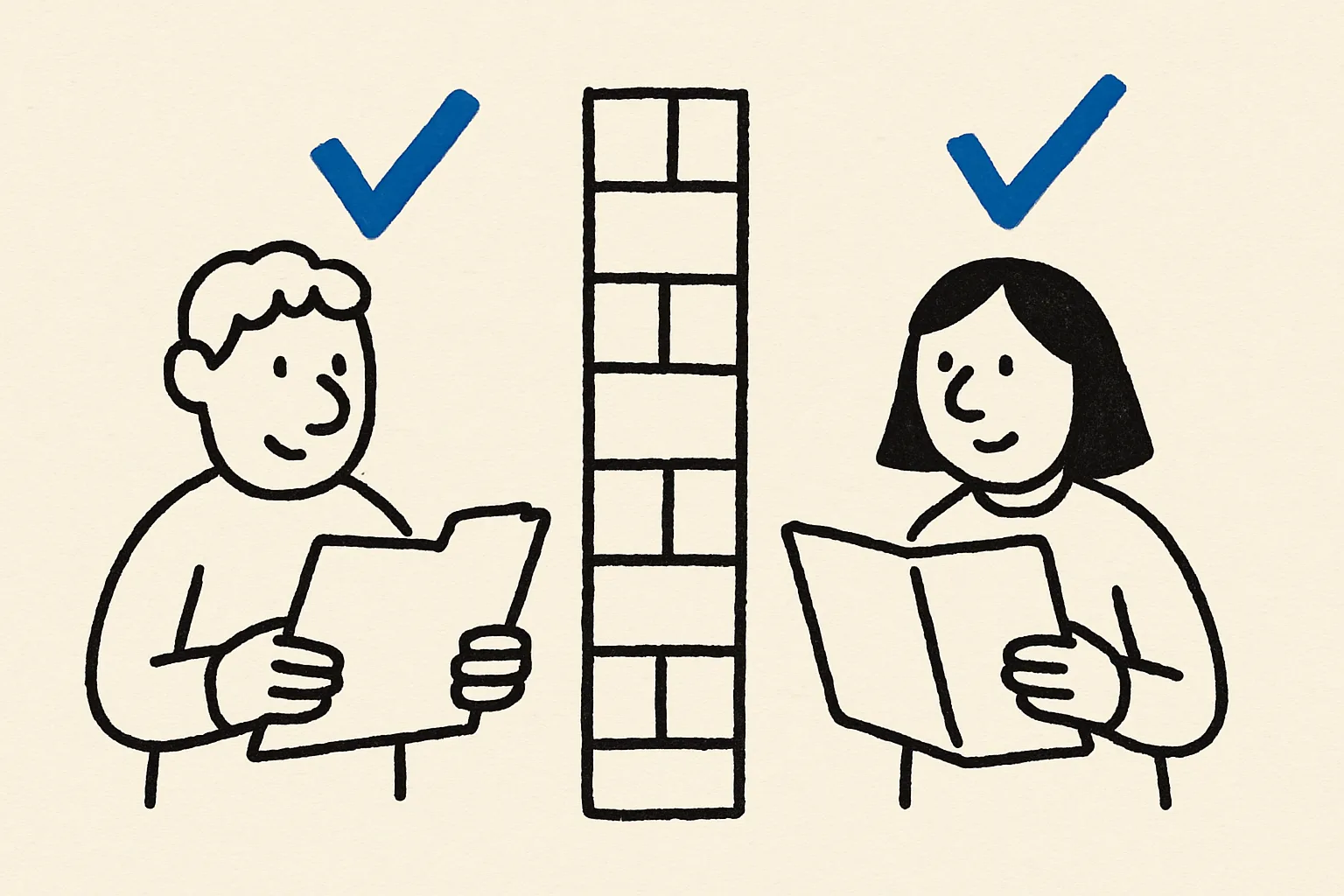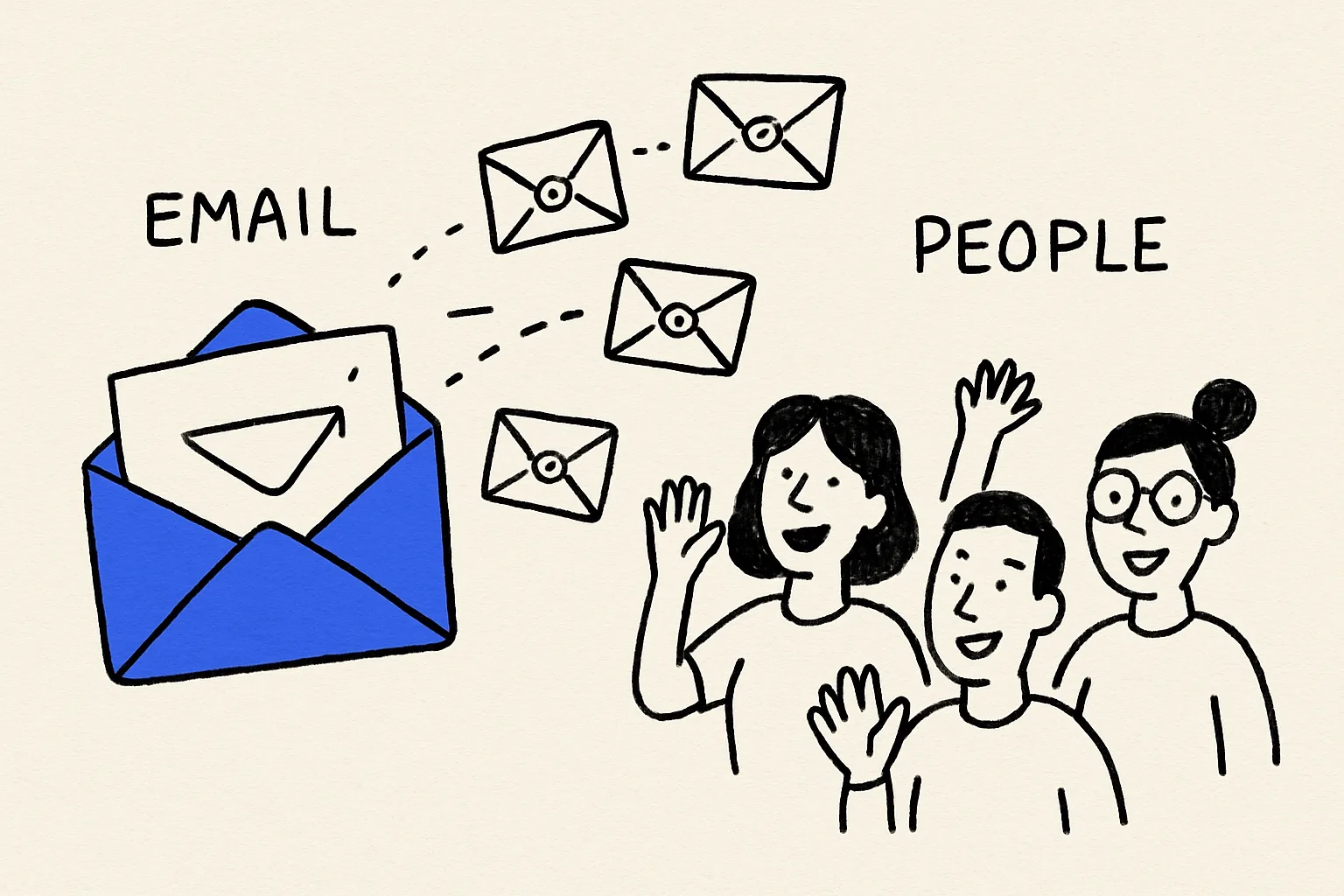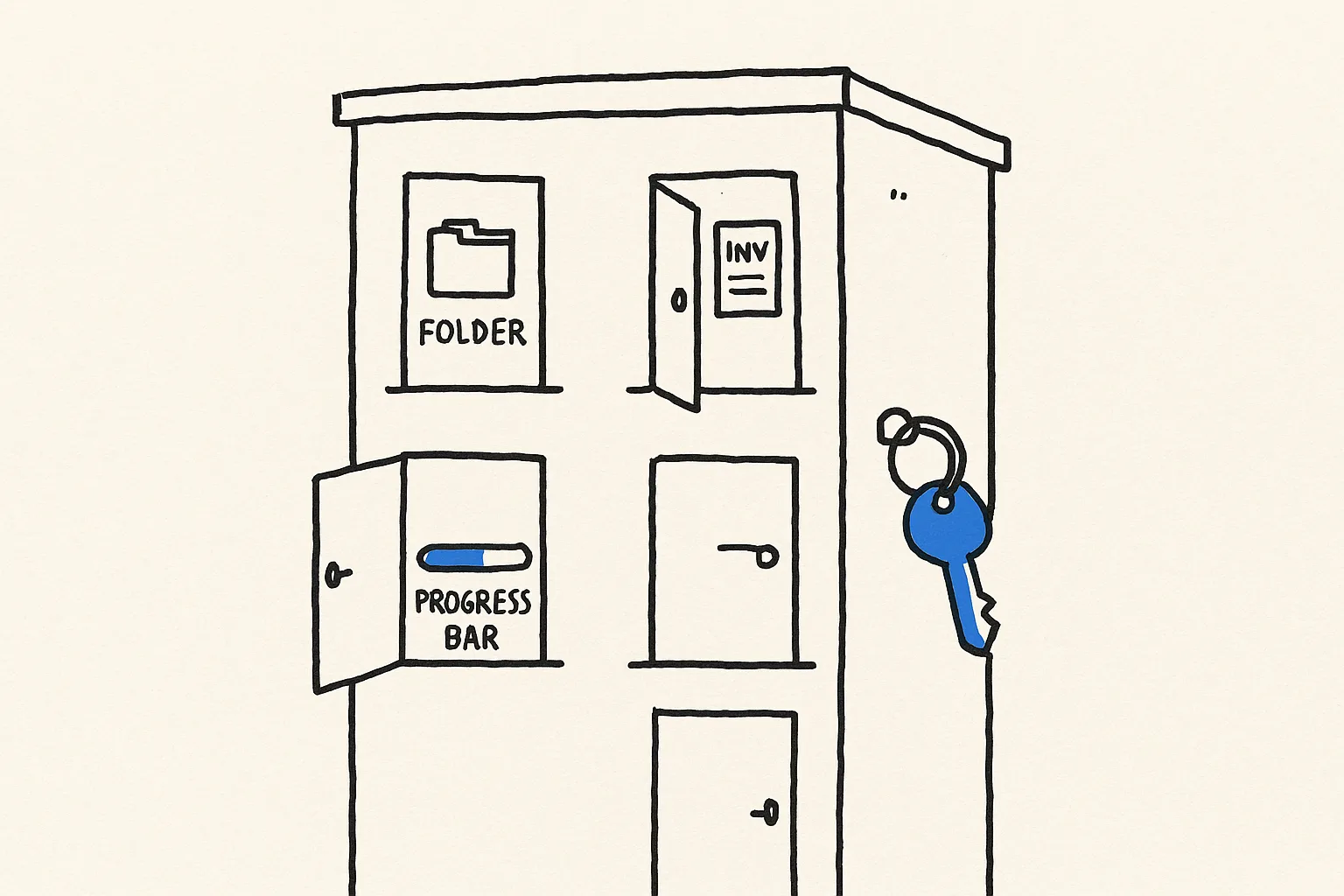
A client portal replaces the stream of "any update on this?" emails with one place clients can check themselves. The hard part isn't the screens; it's making sure each client sees only their own data. That's where most DIY portals built from shared folders and spreadsheets break.
What you're building
- Client sign-in, so each person sees only their company's records
- Projects with status and next milestone
- Files and updates your team posts
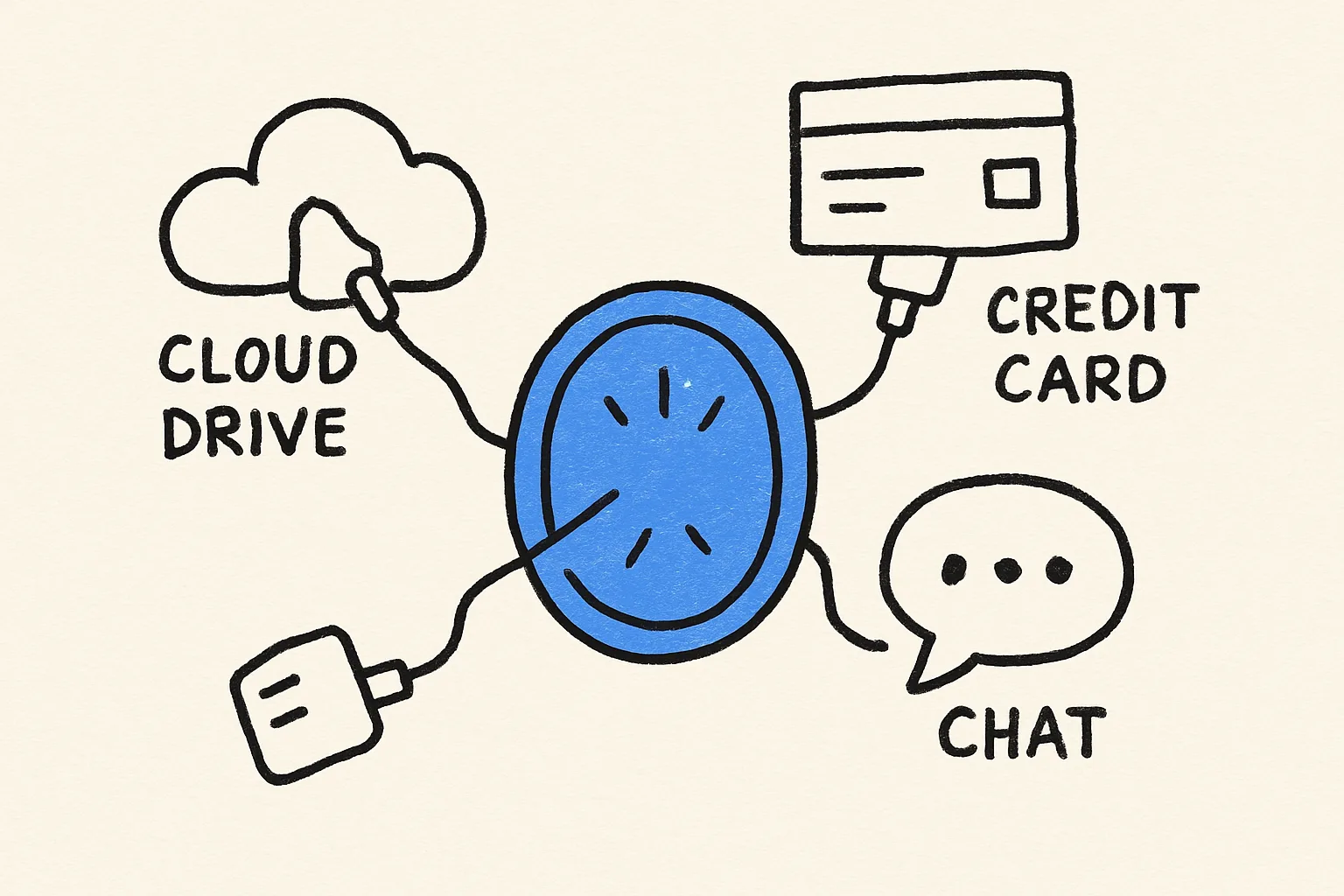
- Invoices with paid/unpaid status (optionally payable via Stripe)
- An admin side for your team to manage all clients
- An assistant that answers a client's questions from their own data
Should you build one or buy one?
| Option | Good for | The catch |
|---|---|---|
| Shared folders + email | A handful of clients | No status at a glance; easy to share the wrong thing |
| Portal SaaS | Standard agency workflows | Per-client or per-seat pricing; fixed data model |
| Build your own in Something | Your own fields, workflow and branding | You define the data once |
Mistakes to avoid
- Skipping the two-client test. Always sign in as two different test clients and confirm neither sees the other's data before inviting anyone real.
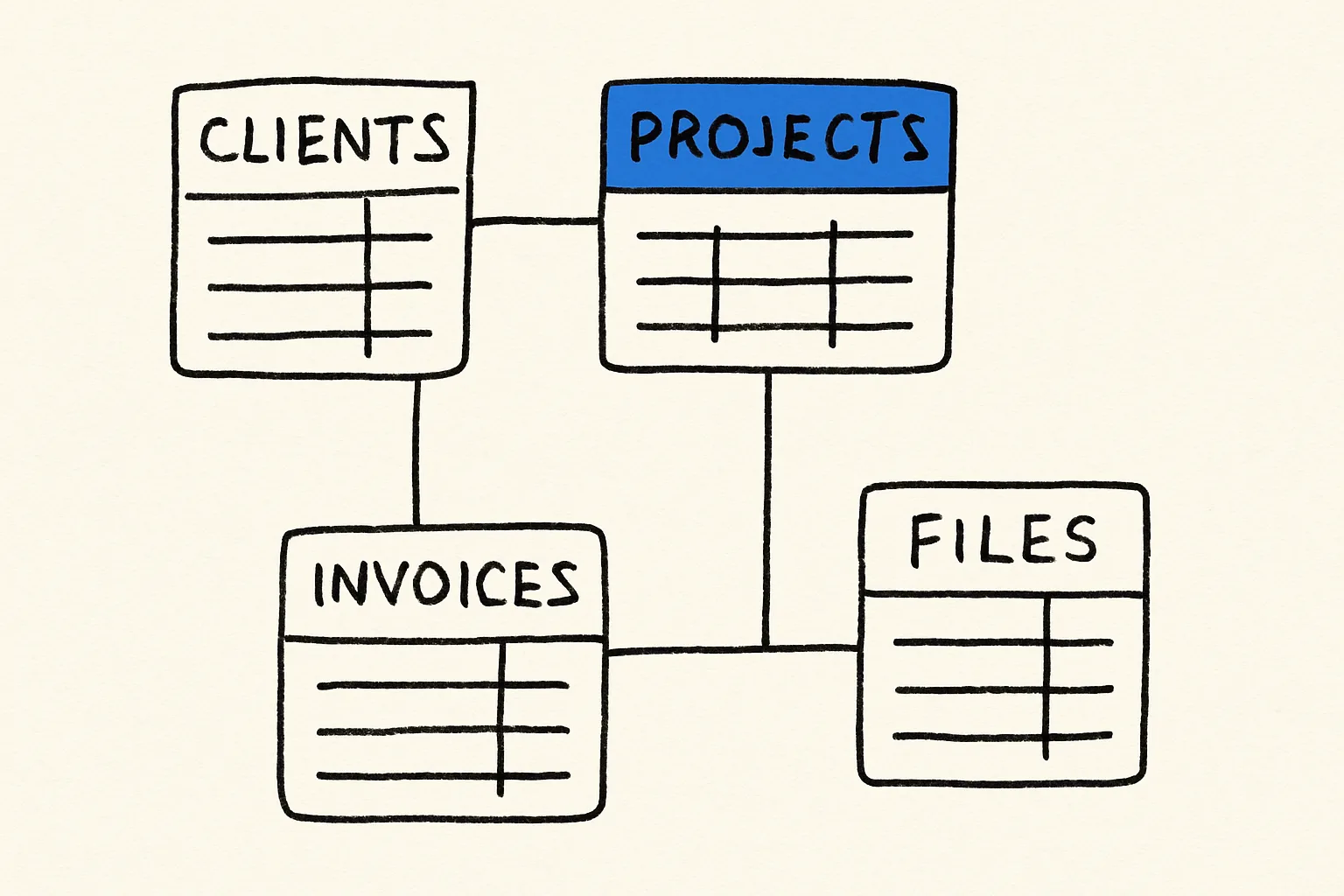
- Putting everything in one table. Projects, files and invoices each need their own table linked to the client, or permissions get messy fast.
- Launching empty. Load each client's current projects and invoices before you send the invite, so their first visit is useful.