Booking tools are easy to start with and hard to bend: the moment you need this service only with that stylist, or a buffer after colour appointments, you're fighting the settings page. Building your own booking app means the rules are yours.
What you're building
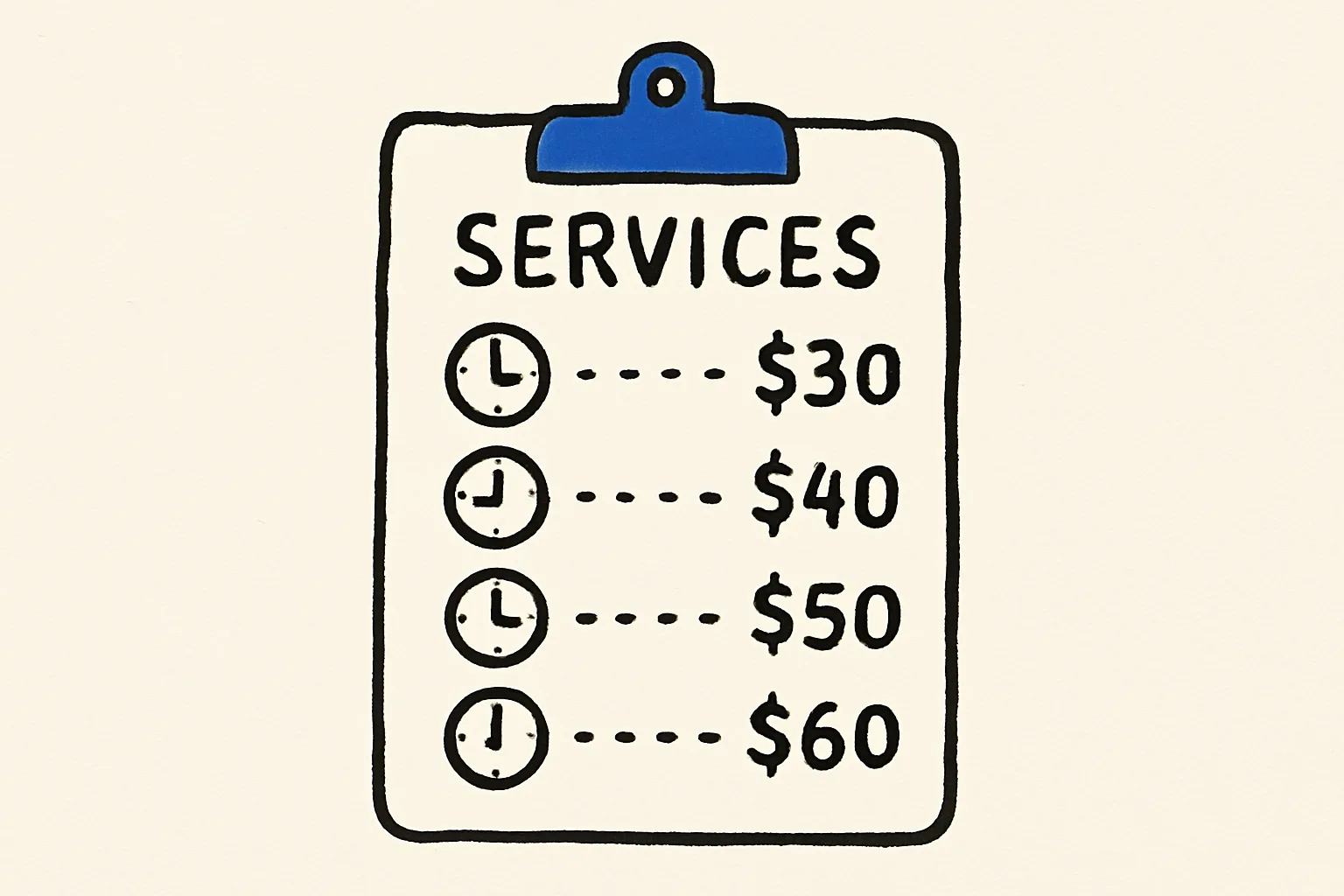
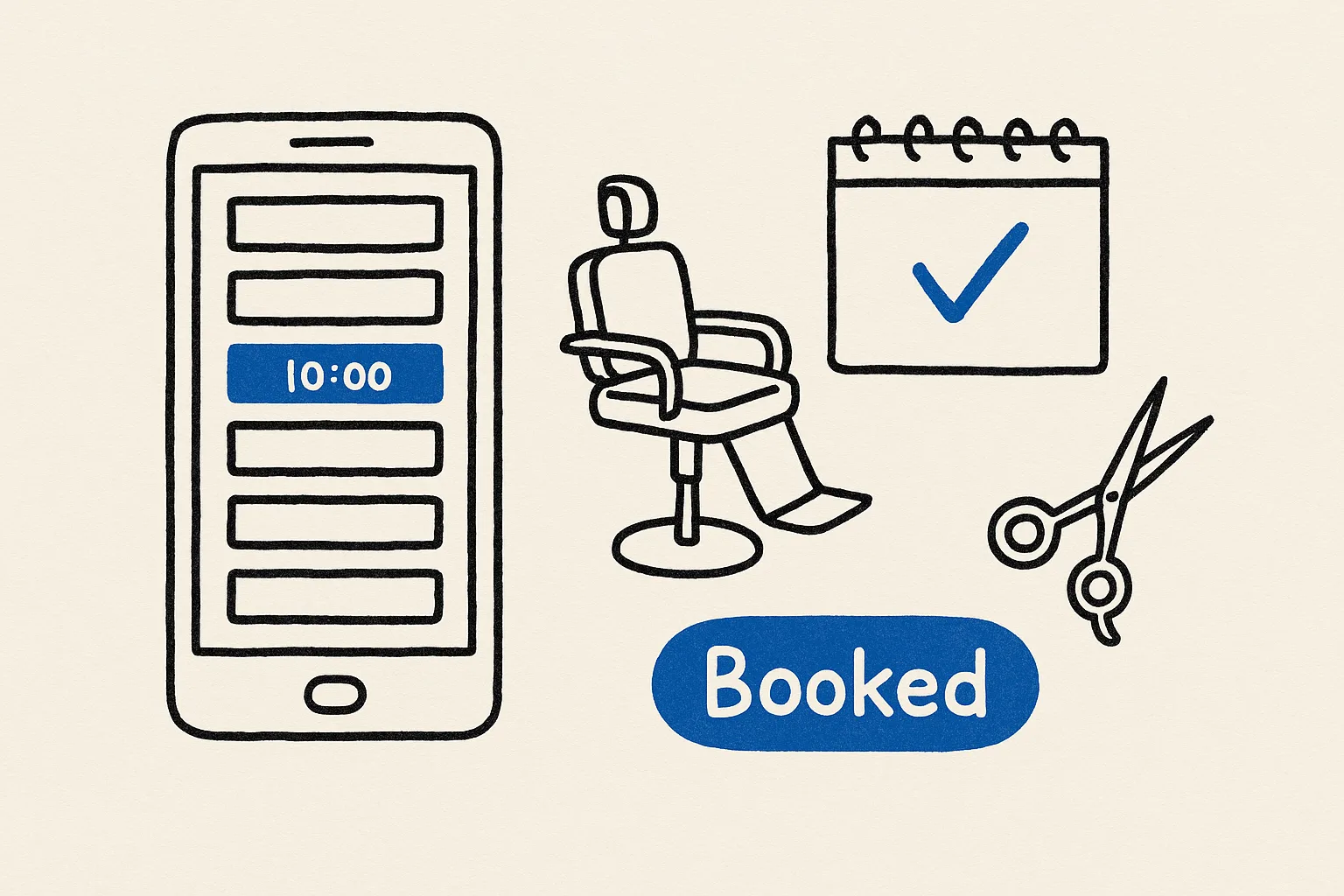
- Services, each with a duration, price and the staff who offer it
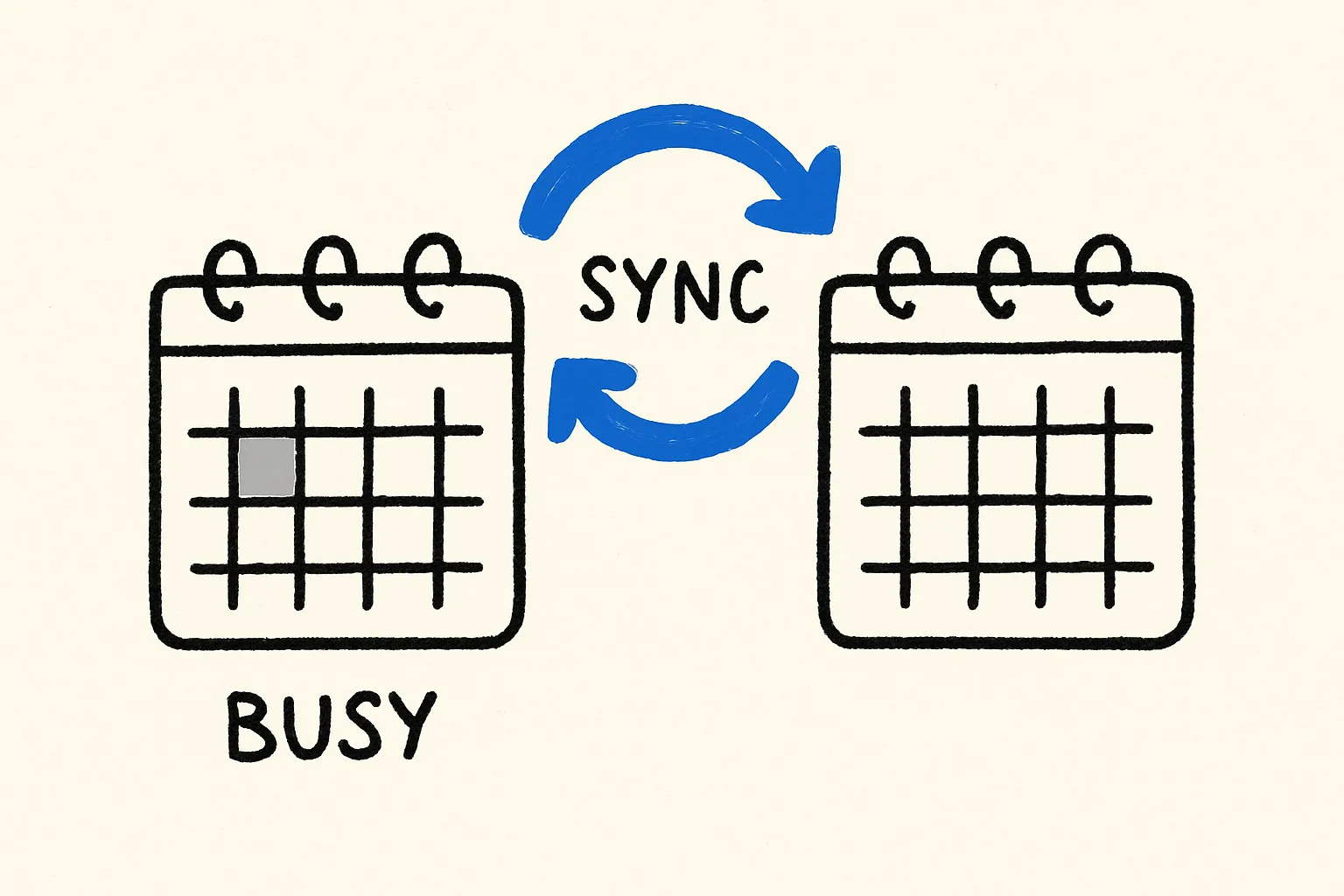
- Availability from each person's Google Calendar, so only free slots are shown
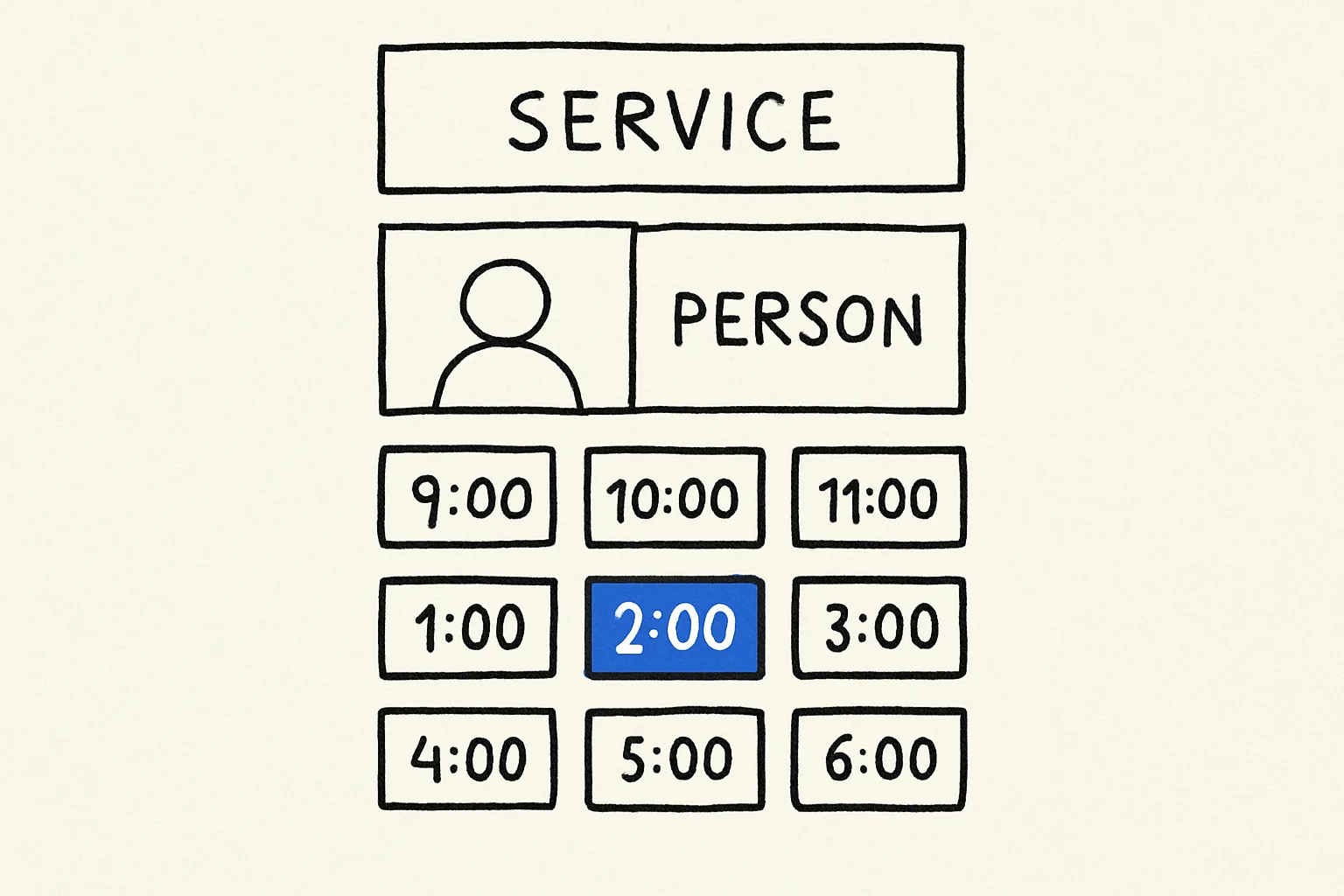
- A public booking page customers use to pick a service, person and time
- Confirmation emails via Gmail
- An admin view of today's and this week's bookings, with cancel and reschedule
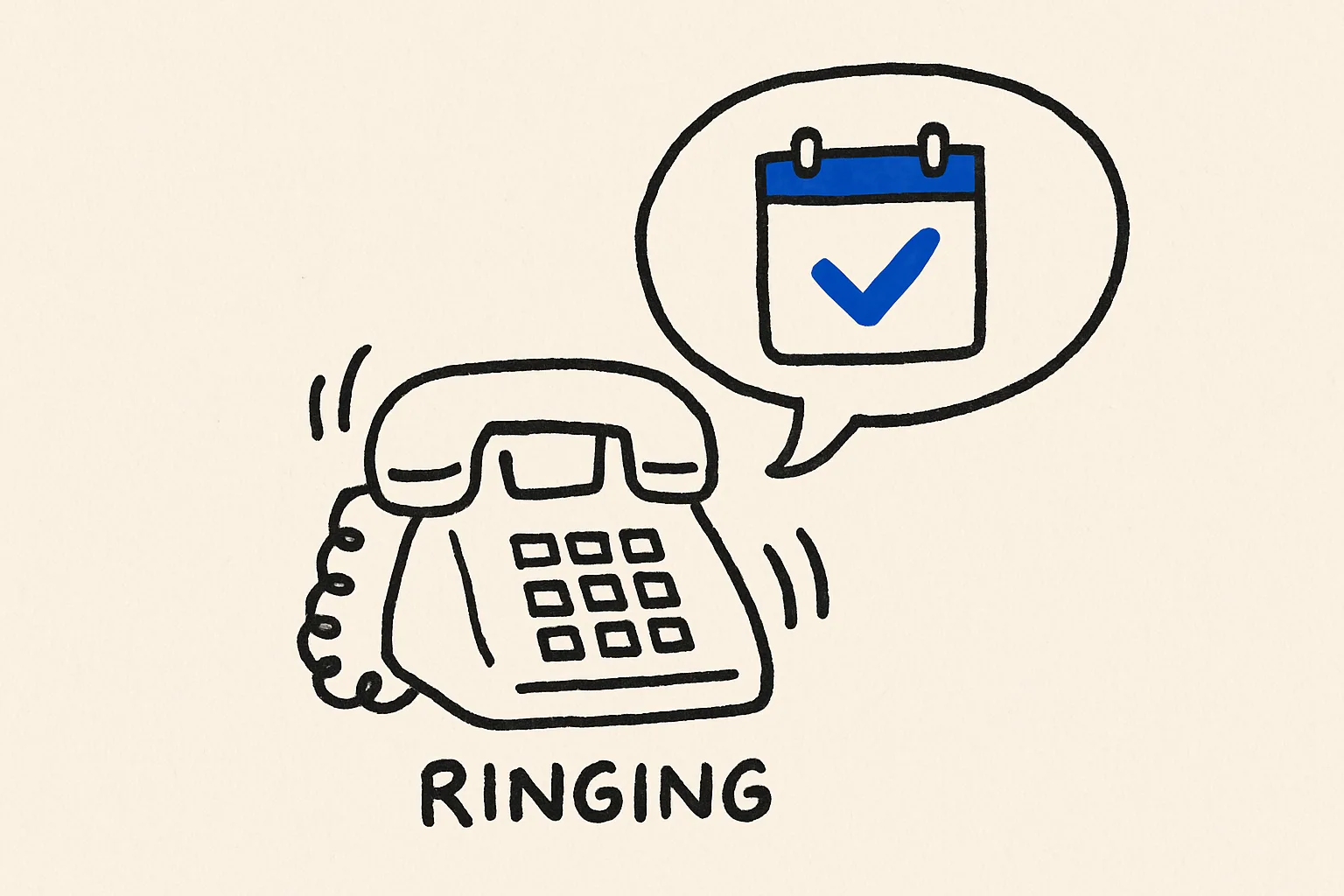
- Optional: a phone agent that books the same way over a call
Should you build one or buy one?
| Option | Good for | The catch |
|---|---|---|
| Calendly-style links | One person, one meeting type | Multi-staff, multi-service rules get awkward |
| Industry booking SaaS | Standard salons, clinics | Per-staff pricing; your rules must fit theirs |
| Build your own in Something | Your own services and rules, plus phone booking | You describe the rules once |
Mistakes to avoid
- Ignoring buffers. Back-to-back slots look efficient until a client runs ten minutes late. Put cleanup or travel time into the rules.
- Two calendars, one truth. If staff also book by hand somewhere else, the app will double-book. Make Google Calendar the single source.
- No cancellation path. Customers will want to move or cancel. Make sure the confirmation email tells them how.