Skip to content

Guides / How to build

How to build a help desk ticketing system with AI triage

Tickets, statuses and assignment, plus an AI that tags, prioritises and drafts a first reply for every new ticket before a person opens it.

Build this in Something5 steps · ~25 min to first version · Updated October 12, 2026

A help desk is a queue with rules: who picks up what, how fast, and what counts as urgent. The slowest part is usually the first touch: reading a vague ticket, working out what it's about, routing it. That's exactly the part an AI does well.

What you're building

  • A request form for whoever raises tickets: customers, or employees for an internal IT or HR desk
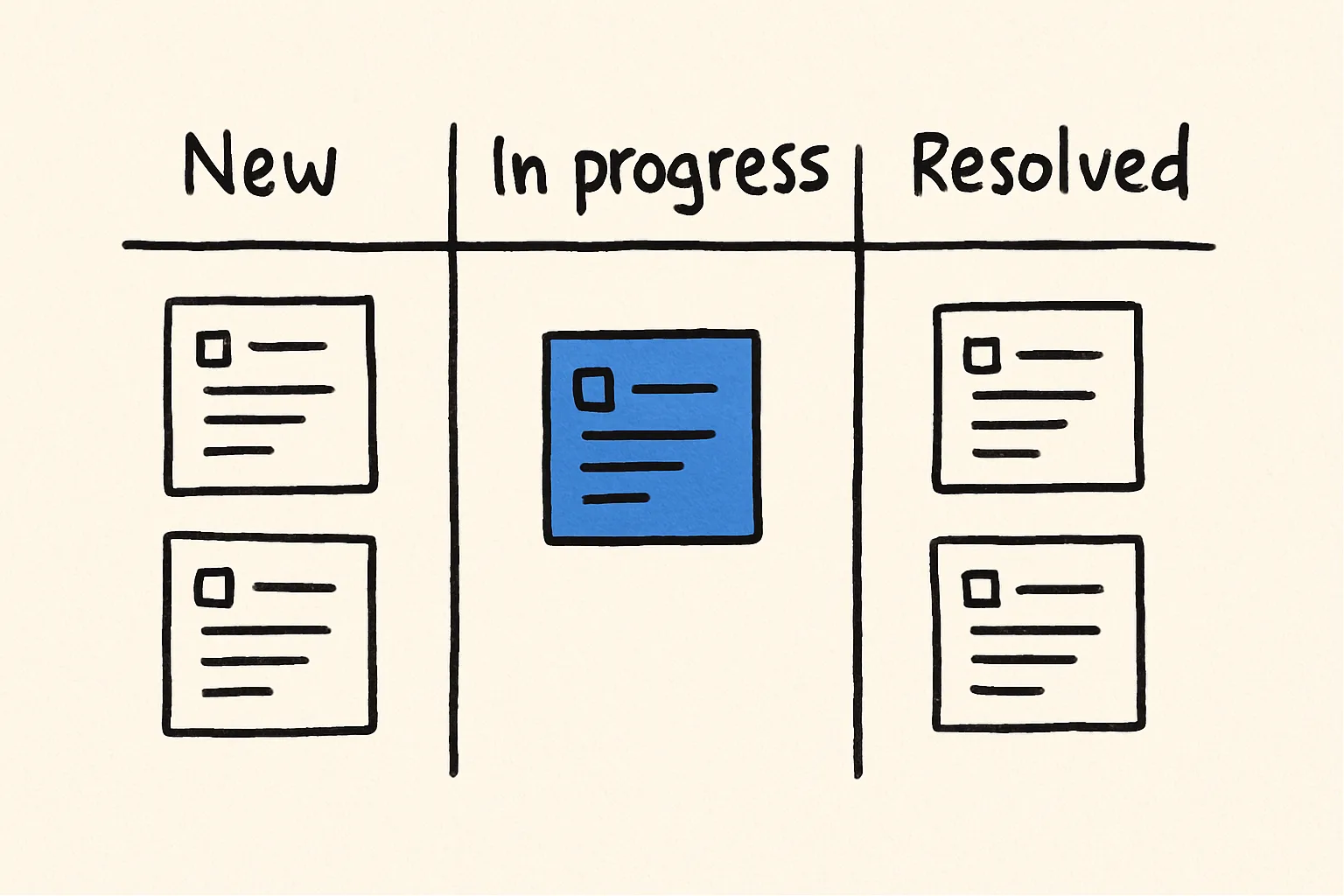
  • Tickets with status, priority, category and assignee
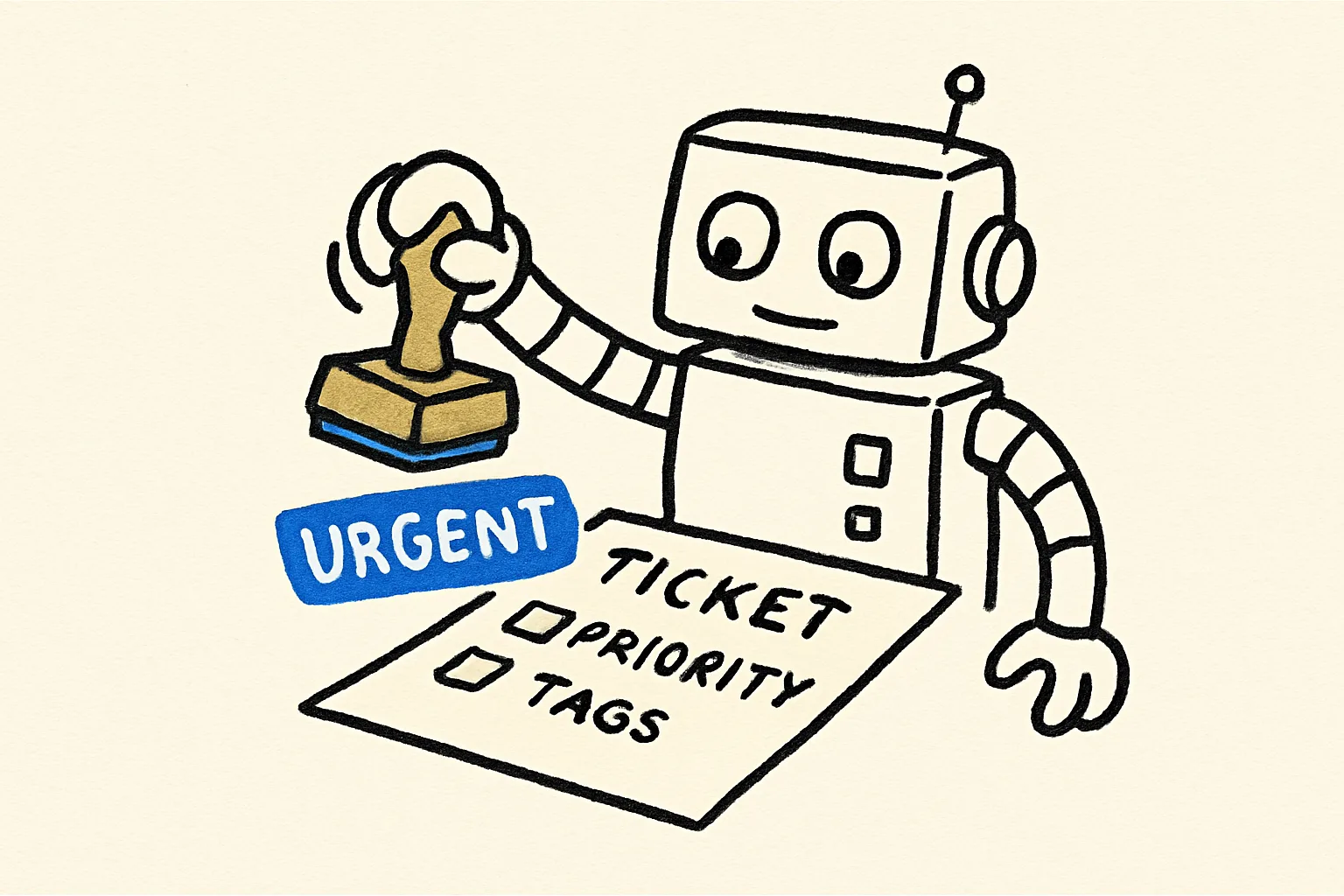
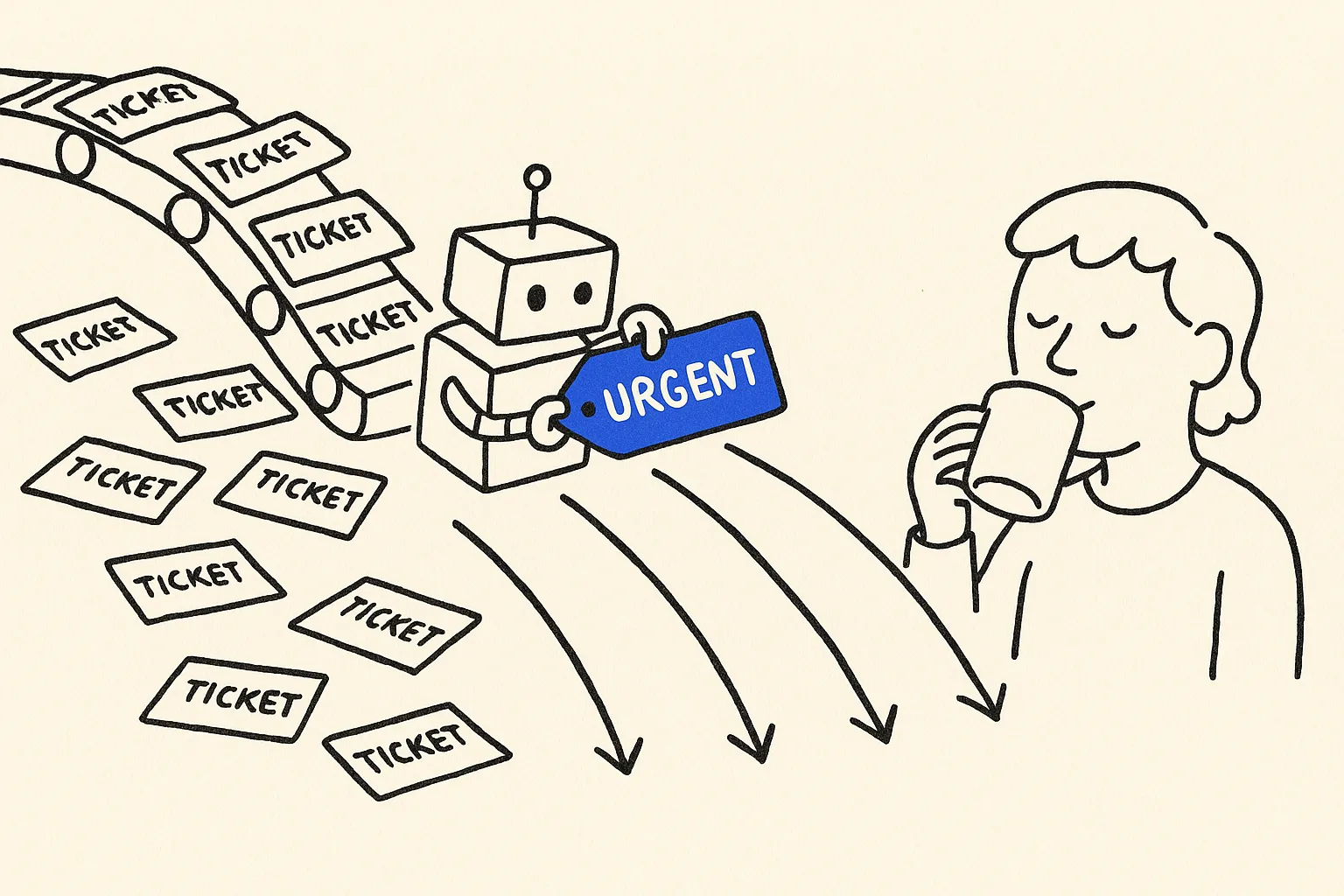
  • AI triage on every new ticket: category, priority, suggested assignee
  • A drafted first reply from your help docs, which an agent approves or edits
  • A queue sorted by priority, plus urgent alerts to Slack

Should you build one or buy one?

OptionGood forThe catch
Shared inboxVery low volumeNothing is tracked; things get dropped
Help desk SaaS (Zendesk, Freshdesk)Large customer-support teamsPer-agent pricing; AI features often an add-on
Build your own in SomethingInternal desks, small teams, custom workflowsYou define the categories and rules

Already on Zendesk or Freshdesk? You don't need to switch. Connect it and build just the AI triage layer on top.

Mistakes to avoid

  • Letting the AI close tickets. Keep a person on the approve step until the drafts are consistently right for a category.
  • Vague priority rules. "Urgent if important" means nothing to a model or a person. Write rules like "blocks a whole team" or "affects payroll".
  • Thin help docs. The drafted replies are only as good as the runbooks behind them. When a draft is wrong, fix the doc, not just the reply.
How to build it, step by step

  1. Step 1

    Describe your queue

    List your categories, priorities and statuses, who handles what, and what counts as urgent. Use the starter prompt and replace the IT examples with yours.

    Step 1: Describe your queue
    Fig 01 — Describe your queue
  2. Step 2

    Give the AI your help docs

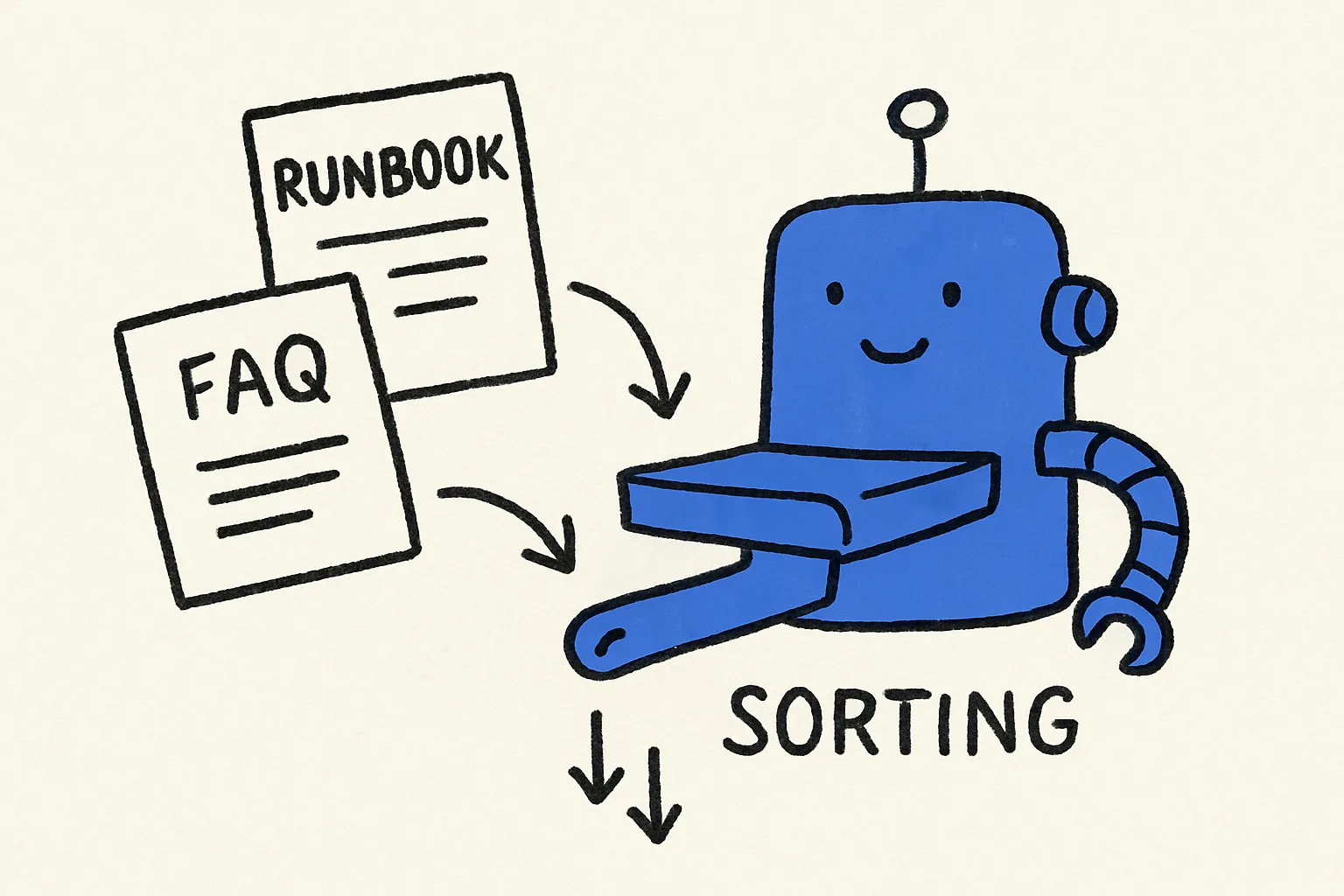
    Upload your runbooks, FAQ or policies. The drafted replies come from these, so the better your docs, the more drafts your agents can send unchanged.

    Step 2: Give the AI your help docs
    Fig 02 — Give the AI your help docs
  3. Step 3

    Set the triage rules

    Tell it how to set priority, for example anything blocking payroll or a whole team is urgent. Tell it never to close a ticket by itself; a person always approves the reply.

    Step 3: Set the triage rules
    Fig 03 — Set the triage rules
  4. Step 4

    Connect Slack and email

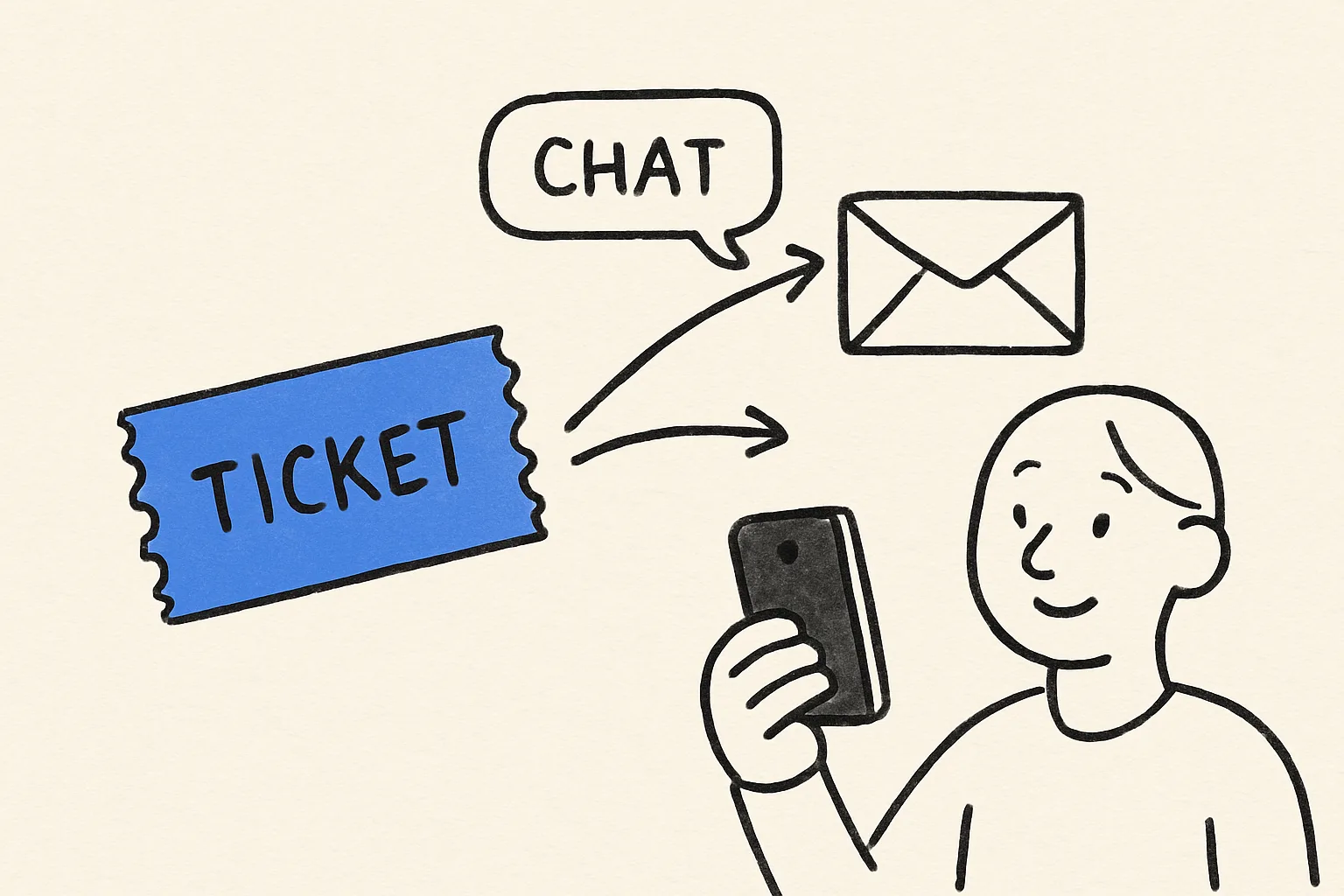
    Connect Slack for urgent alerts, and Gmail so requesters get updates when their ticket changes status.

    Step 4: Connect Slack and email
    Fig 04 — Connect Slack and email
  5. Step 5

    Run real tickets through it

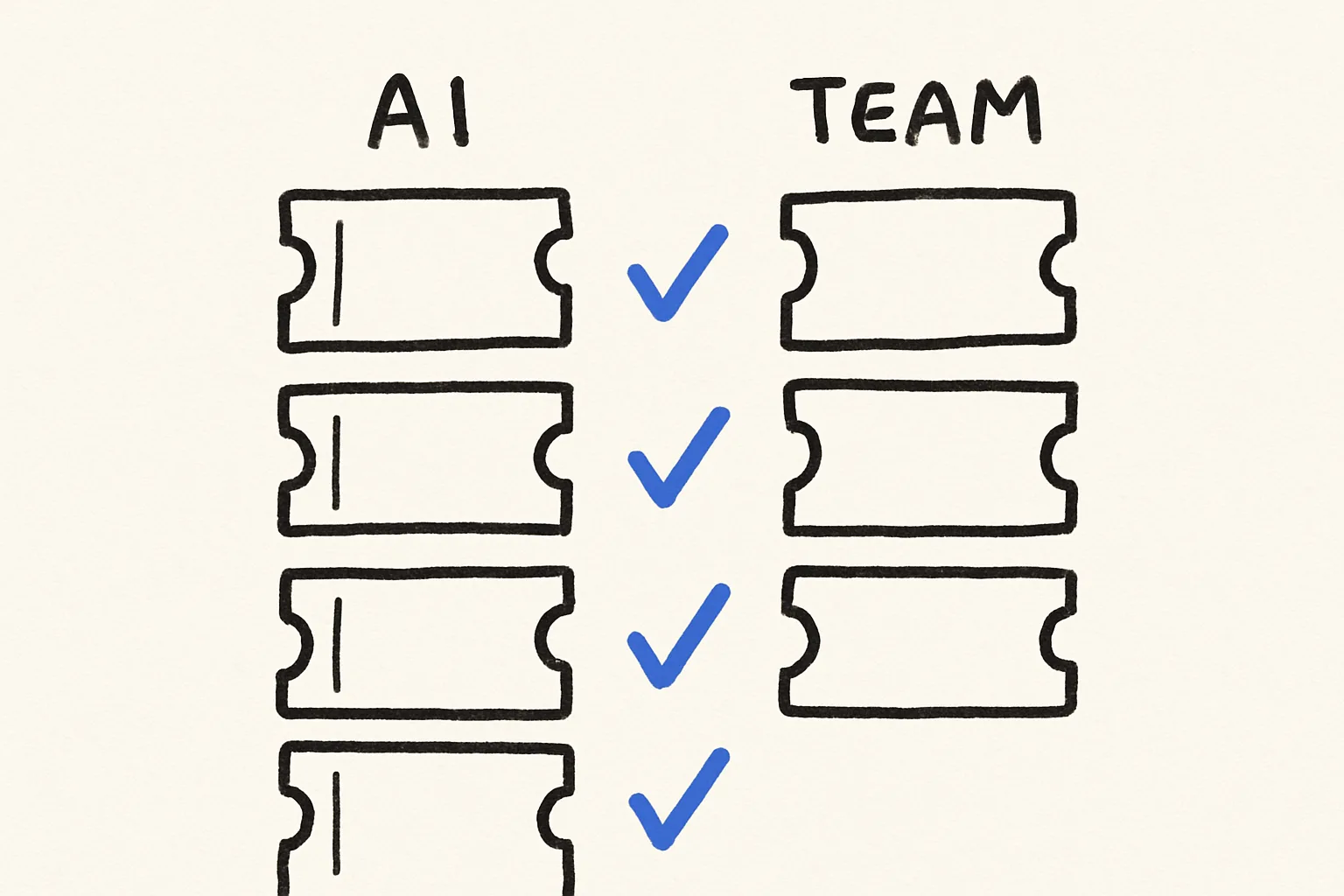
    Paste in 20 recent tickets and compare the AI's category and priority with what your team actually did. Adjust the rules where they disagree, then publish.

    Step 5: Run real tickets through it
    Fig 05 — Run real tickets through it

The prompt to start from

Paste this in, then make it yours

Build a help desk ticketing system for our IT team. Employees submit tickets through a simple form (title, description, category, attachments). Each ticket has a status (new, in progress, waiting on requester, resolved), a priority and an assignee. When a ticket comes in, an AI reads it, sets the category and priority, suggests who should take it, and drafts a first reply using our IT help docs. Agents see a queue sorted by priority and can accept or edit the draft. Post urgent tickets to our #it-urgent Slack channel.

Common questions

Does the AI reply to customers on its own?

Only if you tell it to. The recommended setup is that the AI drafts and a person approves, at least until you trust it on a category.

Can I use this with Zendesk or Freshdesk?

Yes. Both are available integrations, so you can keep your help desk and add AI triage on top.

Can it work as an internal IT or HR help desk?

Yes. Internal desks are a great fit, because the categories and docs are well defined and the requesters sign in with their work email.

How is priority decided?

By the rules you write in plain English, applied by the AI to each ticket. Check its choices against your team's on real tickets before going live.

Do I need to code?

No. You describe the queue and rules, upload your docs and connect Slack or email.

More guides

Build it in the next ten minutes

Start with a sentence. Leave with a working app on its own URL.

How to Build a Help Desk Ticketing System With AI · Something