Skip to content

Guides / How to build

How to build an AI receptionist (no code)

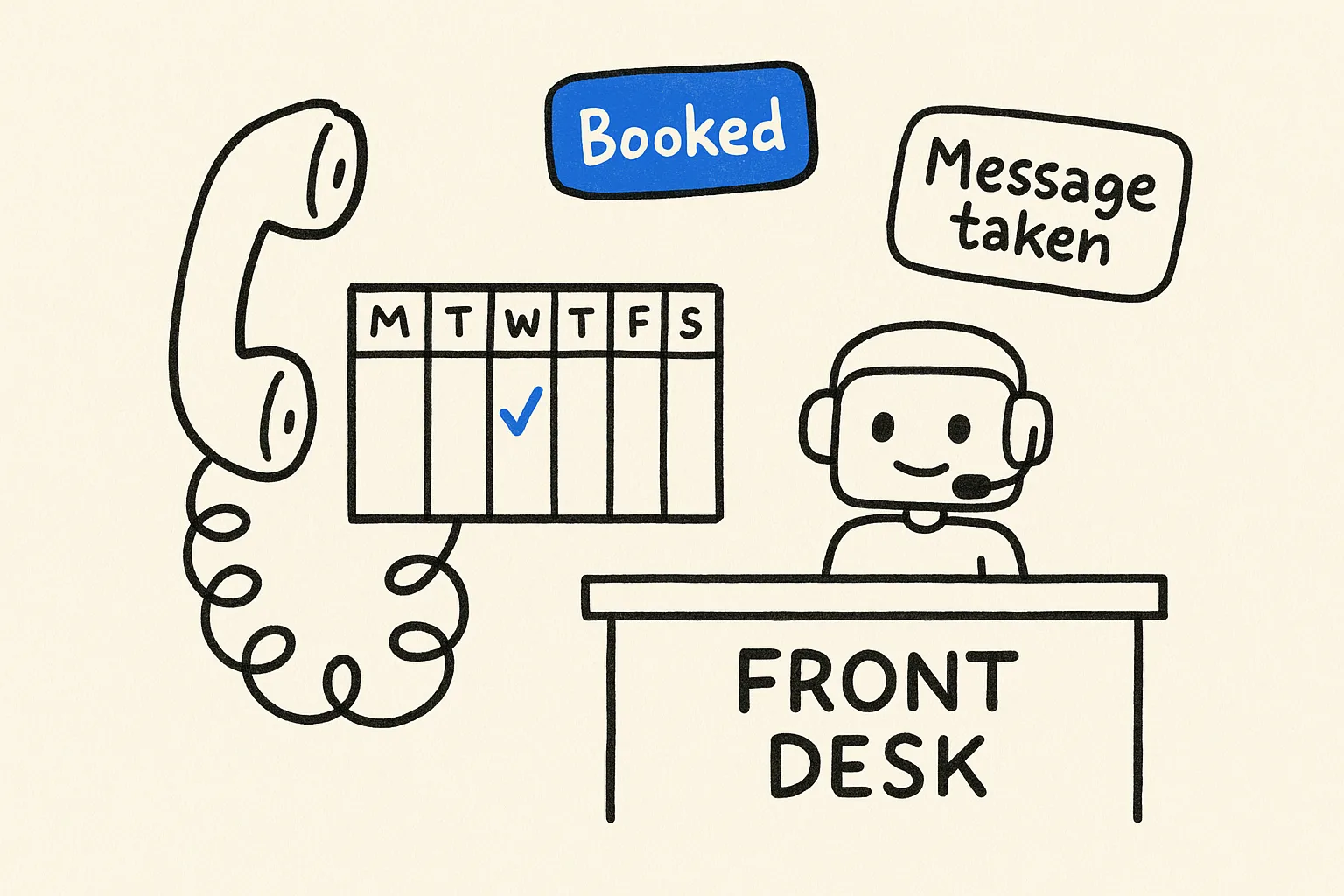
An AI receptionist that answers your business phone, books appointments into your calendar and takes messages, built by describing it in a sentence.

Build this in Something6 steps · ~20 min to first call · Updated October 12, 2026

Small businesses miss calls all day: while serving a customer, after hours, over lunch. Every missed call is a booking, a question or a complaint that went to voicemail. An AI receptionist answers every call, at any hour, and does the three things a front desk does most: answers common questions, books appointments, and takes a message when a human is needed.

What you're building

A voice agent with its own phone number. When someone calls, it:

  • greets them with your business name and answers questions from your own information (hours, location, prices, policies)
  • checks your Google Calendar for free slots and books, moves or cancels appointments
  • takes a message (name, number, reason) and sends it to you by email or Slack when it can't help
  • hands off cleanly when the caller asks for a person

Should you build one or buy one?

OptionGood forThe catch
Voicemail / answering serviceVery low call volumeCallers hang up; nothing gets booked
Off-the-shelf AI receptionistOne standard use caseMonthly per-seat price; hard to change what it says or does
Build your own in SomethingYour own scripts, rules and calendarYou write the instructions (in plain English)

Build your own when what the receptionist says and does has to match how your business runs: your services, your rules about who gets booked when, your tone.

Before you start

Have these ready:

  1. A short info sheet: hours, address, services and prices, and the questions you get asked most.
  2. The Google Calendar the appointments should go into.
  3. A rule for what it must never do (give medical or legal advice, quote a custom price, promise a refund) and what it does instead.

Mistakes to avoid

  • Letting it improvise on things that need a person. Medical questions, complaints and refunds need a written fallback ("I'll have someone call you back"), not a best guess.
  • An out-of-date info sheet. If your hours change and the document doesn't, the receptionist will confidently give the old hours. Update the sheet, not the prompt.
  • Skipping the transcripts. The first week of calls shows you every question you didn't think of. Reading ten of them is worth more than rewriting the prompt.

How to build it, step by step

  1. Step 1

    Describe the receptionist

    Open Something and describe the receptionist in a sentence or two: the business, what it answers, what it books and what it must never do. Use the prompt below as a starting point and change the details to fit.

    The boundaries matter more than the personality. An agent told exactly when to take a message is much safer than one told to be helpful.

    Step 1: Describe the receptionist
    Fig 01 — Describe the receptionist
  2. Step 2

    Give it your information

    Upload your info sheet (a PDF, a doc or a pasted list) as the agent's knowledge base. Answers about hours, prices and policies come from this document, not from guesses, so keep it current and the receptionist stays current.

    Step 2: Give it your information
    Fig 02 — Give it your information
  3. Step 3

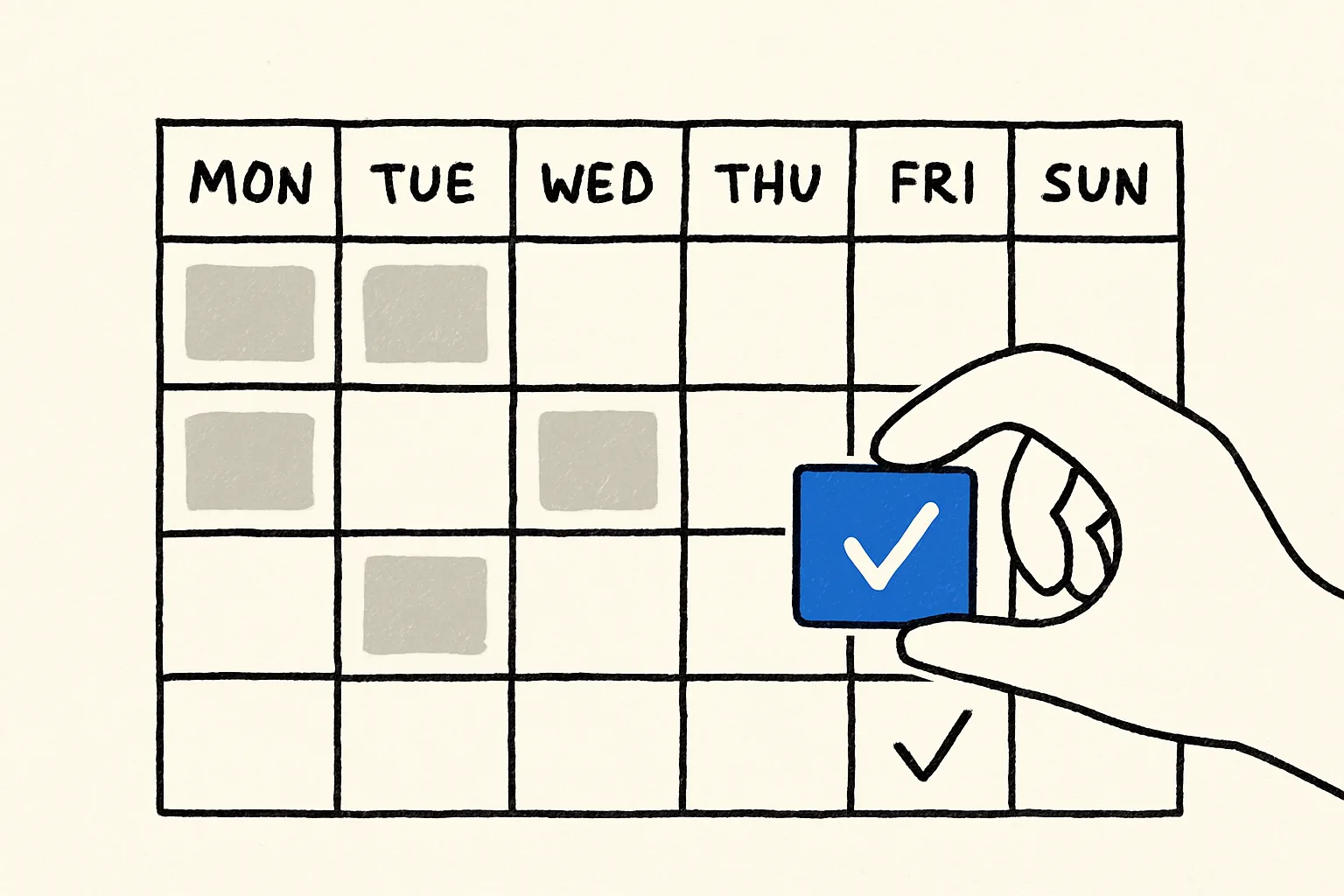
    Connect Google Calendar

    Connect the calendar appointments should go into. Tell the agent your appointment length and buffer between slots, for example 30-minute appointments, 10 minutes between, no bookings after 5pm. It only offers times that are actually free.

    Step 3: Connect Google Calendar
    Fig 03 — Connect Google Calendar
  4. Step 4

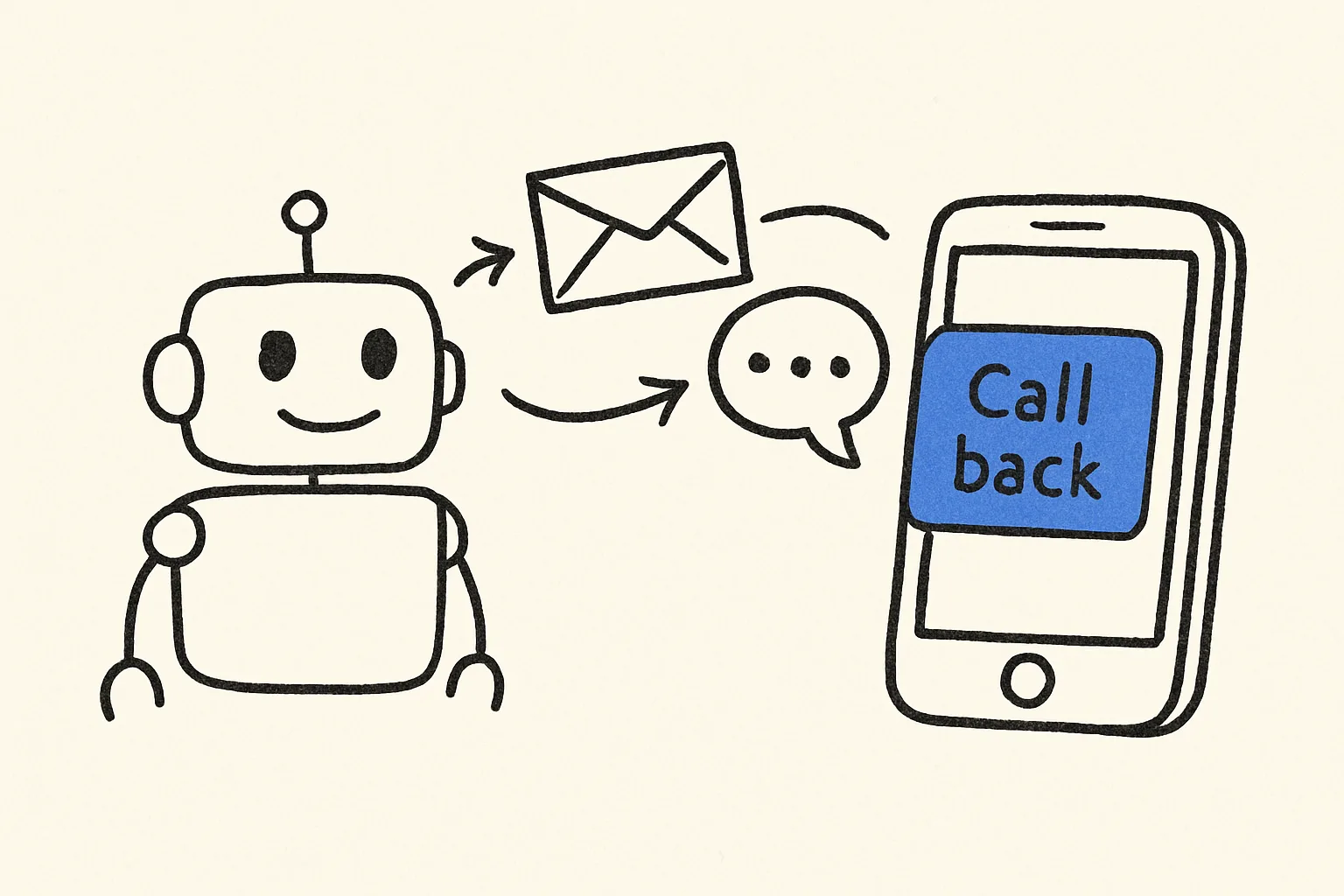
    Choose where messages go

    Connect Gmail or Slack so messages reach you. Each message carries the caller's name, number and reason, so you can call back without listening to a recording.

    Step 4: Choose where messages go
    Fig 04 — Choose where messages go
  5. Step 5

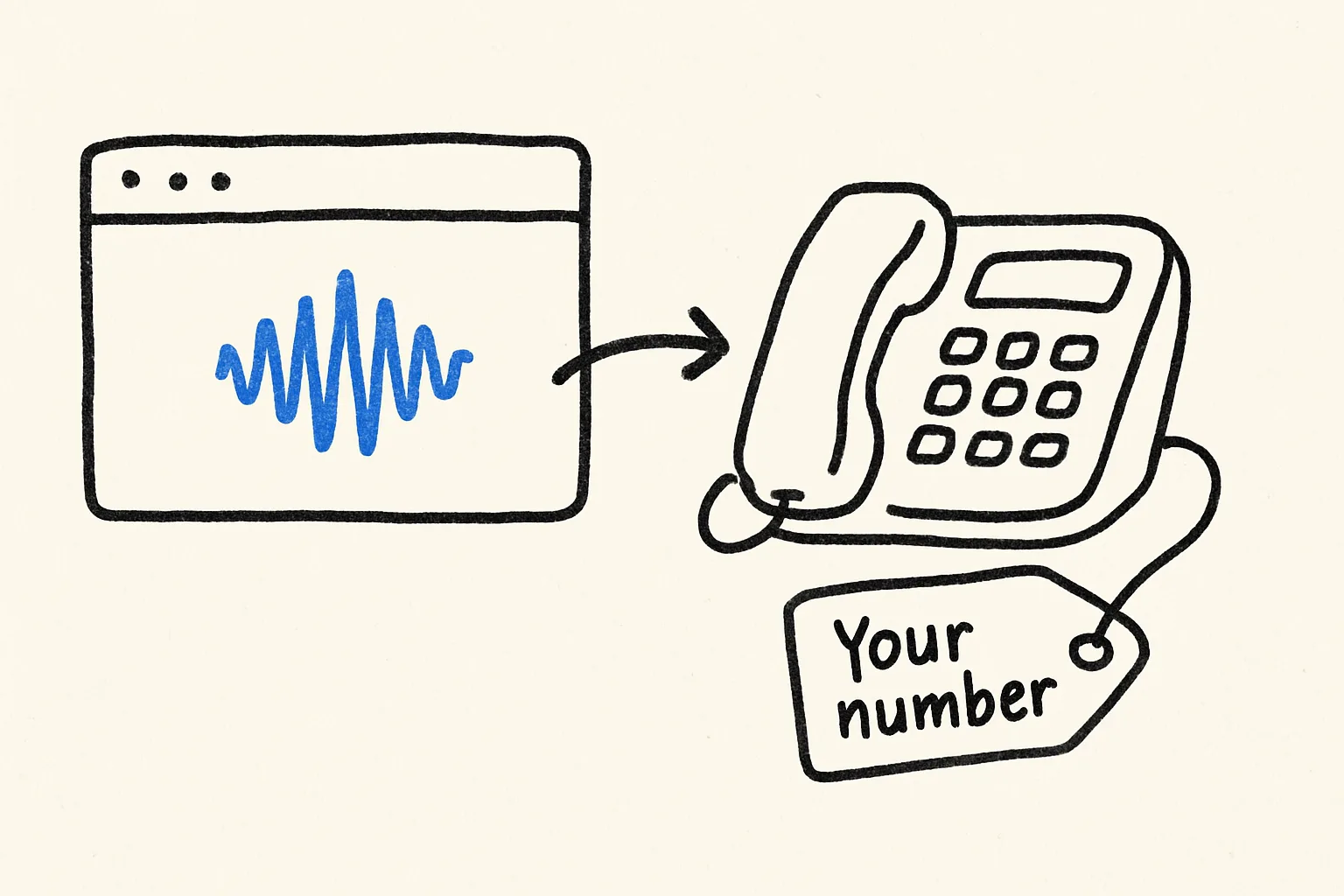
    Test it in the browser, then attach a number

    Talk to the receptionist in the preview first. Try the awkward calls: someone who wants a slot that's taken, someone asking for medical advice, someone who just wants a person. Fix the instructions until it handles all three.

    Then get a phone number for the agent and either publish that number or forward your existing line to it.

    Step 5: Test it in the browser, then attach a number
    Fig 05 — Test it in the browser, then attach a number
  6. Step 6

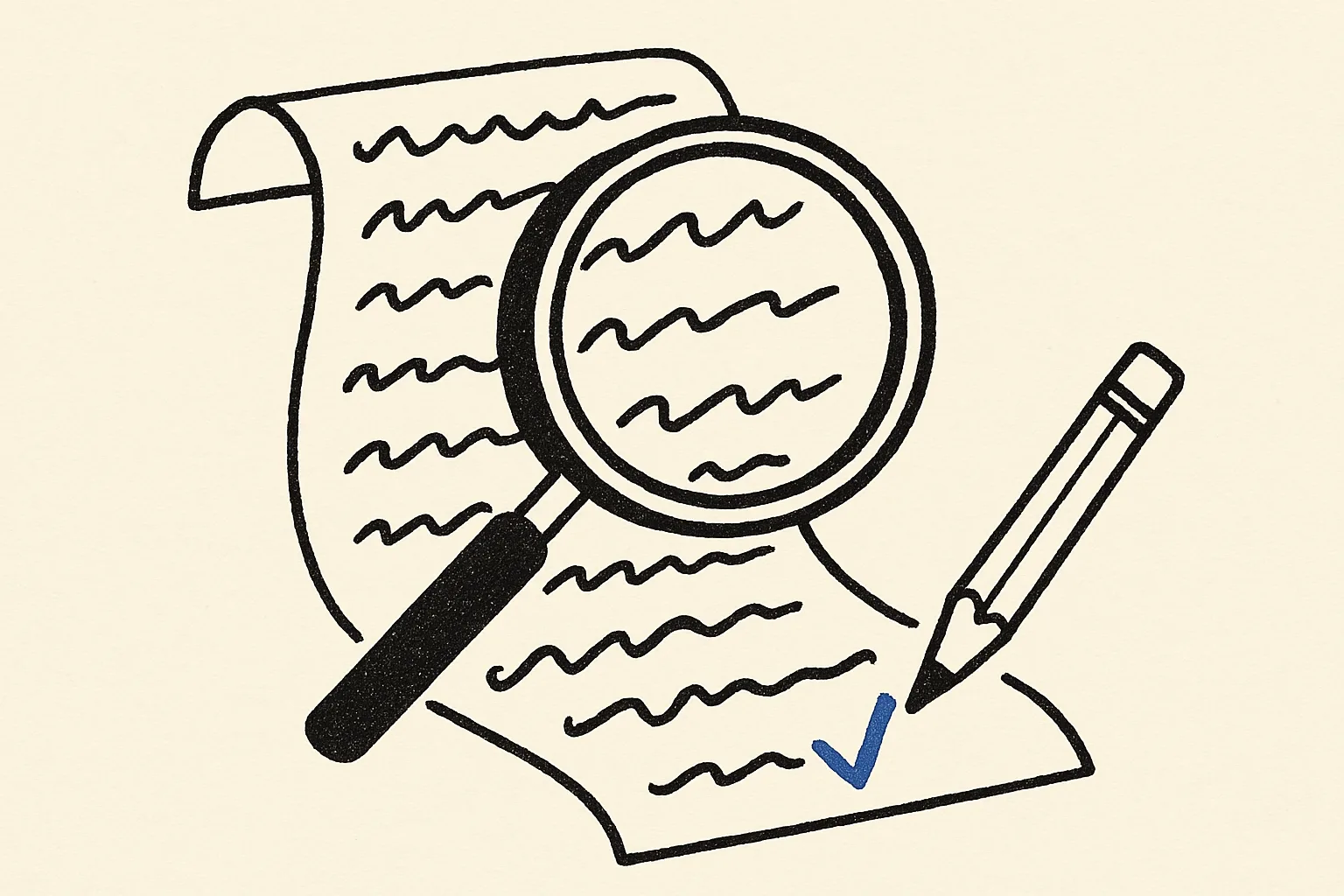
    Read the transcripts in the first week

    Every call is logged with a transcript. Read them for the first few days. Each time a caller is confused, add one line to the instructions or the info sheet. Most receptionists are solid within a week.

    Step 6: Read the transcripts in the first week
    Fig 06 — Read the transcripts in the first week

The prompt to start from

Paste this in, then make it yours

Build an AI receptionist for my dental clinic. It answers our phone line, greets callers by the clinic name, answers questions about opening hours, location, prices and insurance from our info sheet, books, moves and cancels appointments in Google Calendar, and takes a message with name, number and reason when it can't help. Never give medical advice; offer to have a dentist call back instead.

Common questions

Can it use my existing business number?

Yes. Forward your current number to the agent's number, during closed hours only or all the time. Callers keep dialling the number they already know.

Will callers know they're talking to an AI?

You decide how it introduces itself. We recommend saying so in the greeting. Callers are more forgiving of an assistant that is upfront, and some regions require disclosure.

What happens when it can't answer something?

It does what your instructions say: usually takes a message and sends it to you, or offers a callback. Write this rule explicitly. It is the most important line in the prompt.

Do I need to know how to code?

No. You describe the receptionist in plain English, upload your information, and connect your calendar with a sign-in. There is no code to write or host.

Does it work for clinics, salons and other appointment businesses?

Yes. The build is the same; what changes is the info sheet and the booking rules. Dental clinics, salons, physiotherapists, repair shops and agencies all follow the same steps.

More guides

Build it in the next ten minutes

Start with a sentence. Leave with a working app on its own URL.

How to Build an AI Receptionist (No Code, 2026) · Something